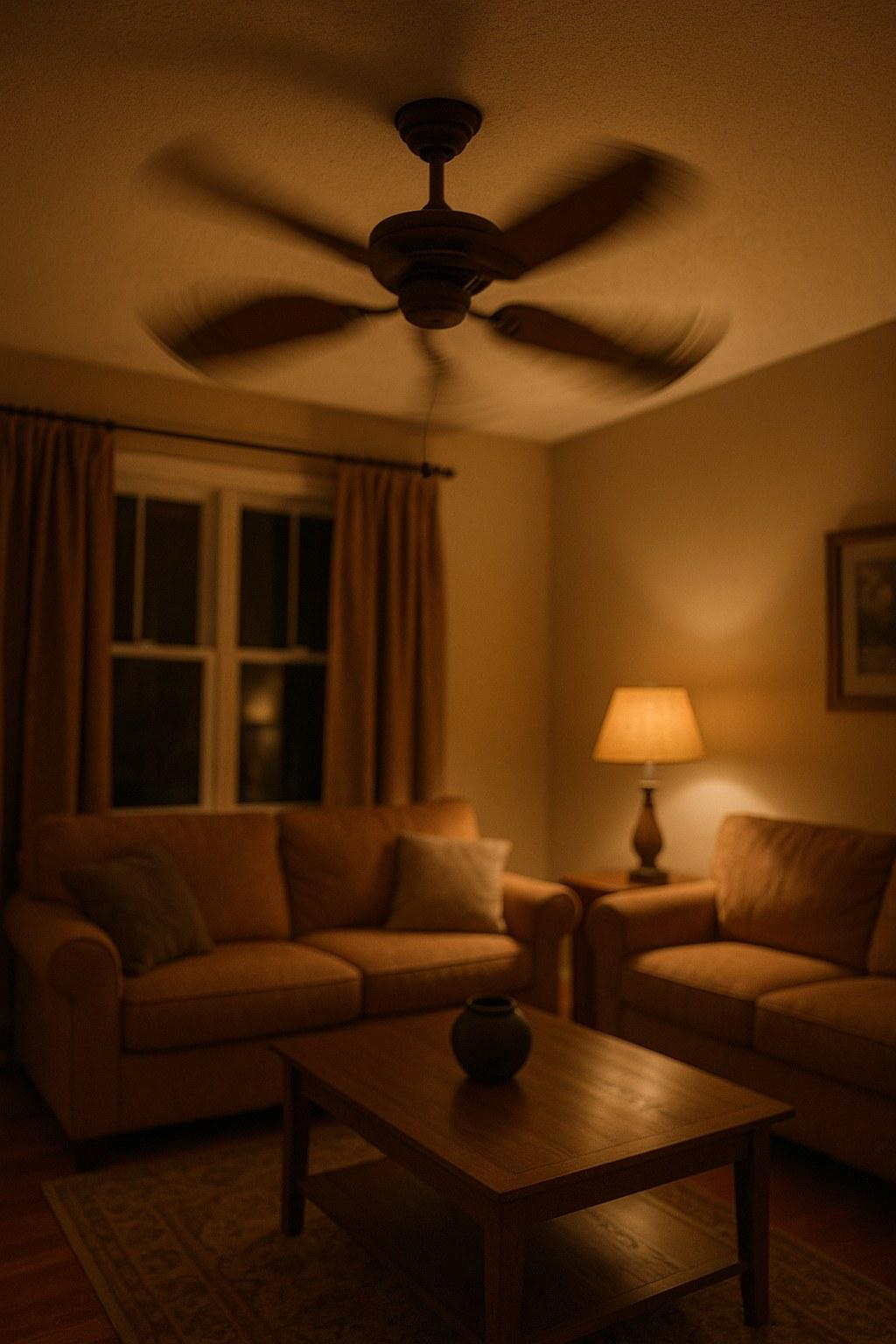
The good news? You don't have to live with it. Fixing a wobbly fan is one of the most common DIY home repairs, and in most cases, you can solve the problem in under an hour with just a few basic tools.
In this guide, we'll walk you through everything you need to know to diagnose and fix your shaky fan, step-by-step. Let’s get that fan running smoothly and silently again!
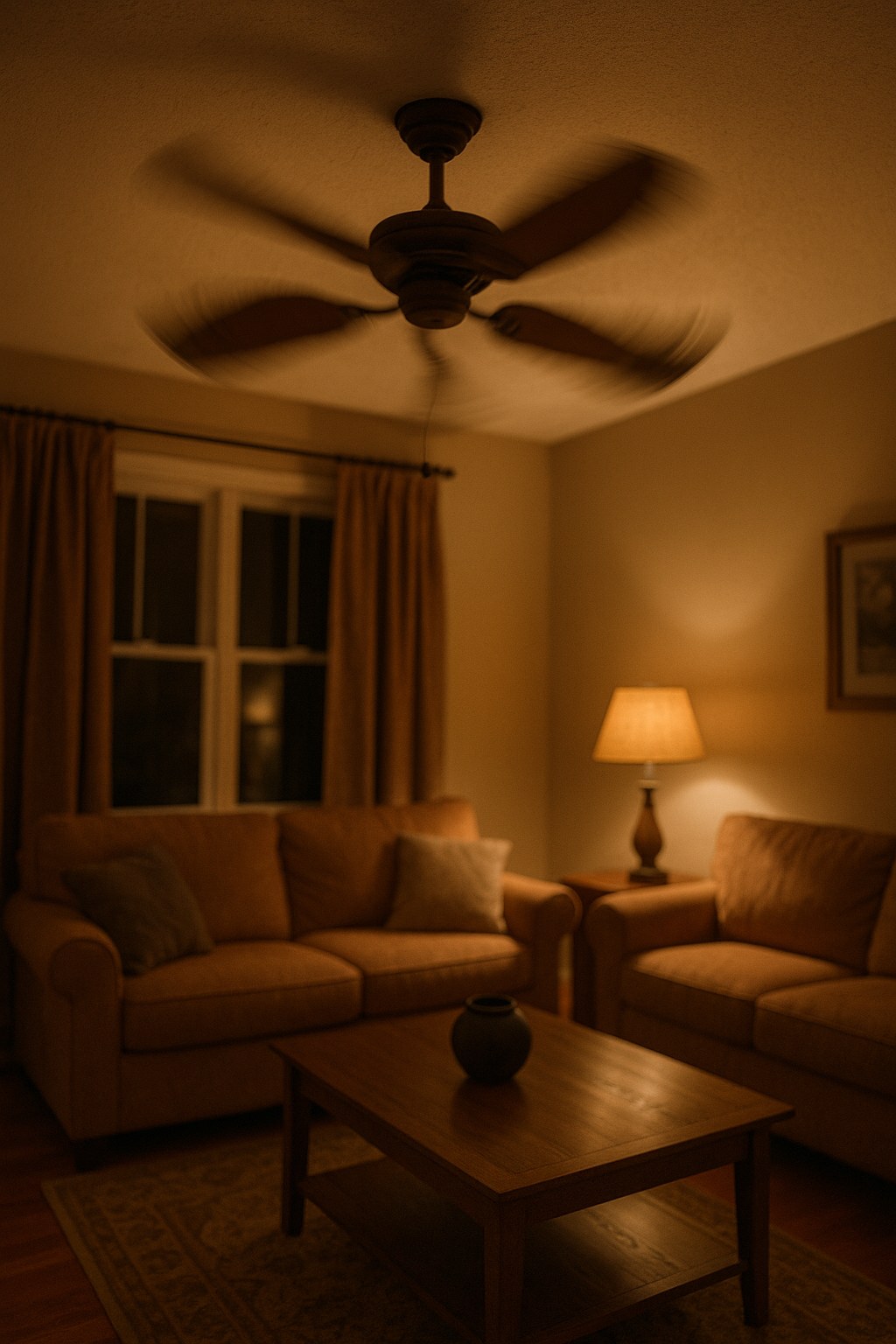
Why Is My Fan Wobbling? The Most Common Culprits
Before we grab our tools, let's talk about why your fan is wobbling in the first place. Understanding the cause can help you pinpoint the fix more quickly.
- Dust Buildup: This is the number one cause of fan wobble, especially if the problem developed over time. Even a thin layer of dust can add weight to the blades, and if it's distributed unevenly, it will throw the fan off balance.
- Loose Blade Screws: The screws holding the fan blades to their brackets (or arms) can work themselves loose over time due to constant vibration. This allows one or more blades to sit at a slightly different angle, causing an imbalance.
- Loose Mounting Hardware: For ceiling fans, the screws connecting the fan's downrod and mounting bracket to the electrical box in the ceiling can become loose, causing the entire unit to shake.
- Bent or Warped Blades/Brackets: Fan blades or the metal brackets that hold them can get bent or damaged. This can happen during installation, cleaning, or if an object hits the fan. Even a tiny bend can create a significant wobble.
- Improper Installation: If a ceiling fan wasn't installed securely in the ceiling joist or if the blades were not attached correctly from the start, it will likely wobble from day one.
Now that you have an idea of what might be wrong, let's figure out what kind of fan you're dealing with.
Step 1: Identify Your Fan Type
The first step is simple: is your fan mounted on the ceiling, or is it a portable fan that sits on the floor or a table? The troubleshooting process is quite different for each, so take a quick look and then jump to the section that applies to you.
- For ceiling fans, you'll need a stepladder and a few tools.
- For portable fans (like pedestal, box, or desk fans), the fix is usually much simpler.
How to Fix a Wobbly Ceiling Fan
A wobbly ceiling fan requires a bit more attention due to its height and electrical connection. Follow these steps in order to safely diagnose and fix the issue.
Part 1: Safety First - Prepare the Fan for Service
Before you ever touch your ceiling fan, you must cut the power to it. Your safety is the top priority.
- Turn Off the Breaker: Go to your home's main circuit breaker panel. Find the breaker that controls the power to the room with the fan. It might be labeled "Living Room Lights," "Bedroom," or something similar. Flip it to the "OFF" position.
- Verify the Power is Off: Go back to the fan and try turning it on with the wall switch and the pull chain. If it doesn't turn on, you've successfully cut the power. If it does, you've flipped the wrong breaker—go back and try again.
- Get a Sturdy Ladder: Position a stable stepladder directly under the fan so you can comfortably and safely reach the blades and motor housing.
Part 2: Clean and Tighten Everything
Often, a simple cleaning and tightening session is all it takes to stop a ceiling fan from wobbling.
- Clean Every Blade: Using a microfiber cloth or a duster, carefully wipe down the top and bottom of each fan blade. You'll be surprised how much dust can accumulate, and removing it is the easiest potential fix.
- Check for Looseness: Gently hold each blade near its bracket and wiggle it. If you feel any play or movement, you've found a problem.
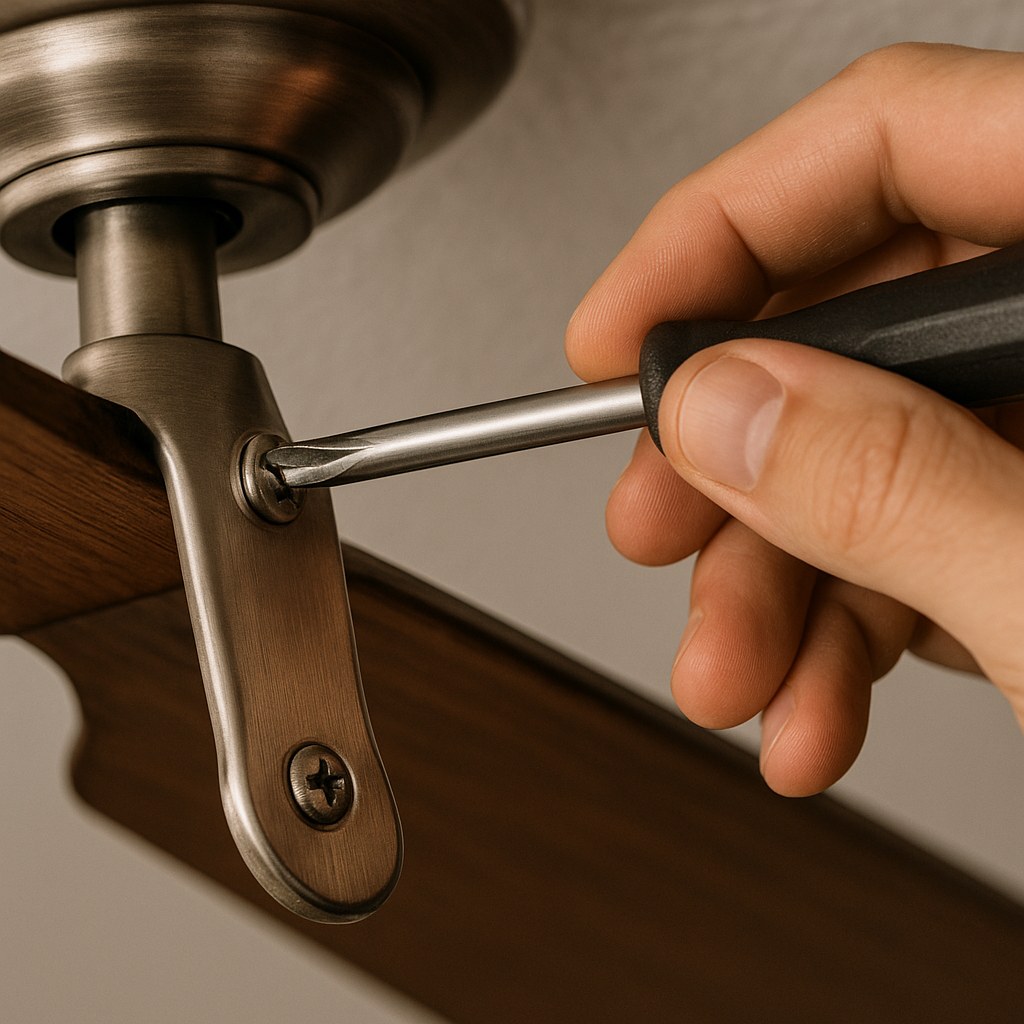
- Tighten the Blade Screws: Using a Phillips screwdriver, tighten the screws that attach each blade to its blade bracket (the metal arm). There are usually two or three screws per blade. Make sure they are snug, but don't overtighten and strip them.
- Tighten the Bracket Screws: While you're up there, check the screws that connect the blade brackets to the fan's motor housing. Tighten these as well.
- Test Your Work: Carefully climb down the ladder, go back to the breaker panel, and turn the power back ON. Turn the fan on its lowest speed and watch it.
If the wobble is gone, congratulations! You've fixed it. If it's still shaking, don't worry. It's time to move on to balancing.
Part 3: How to Balance a Ceiling Fan
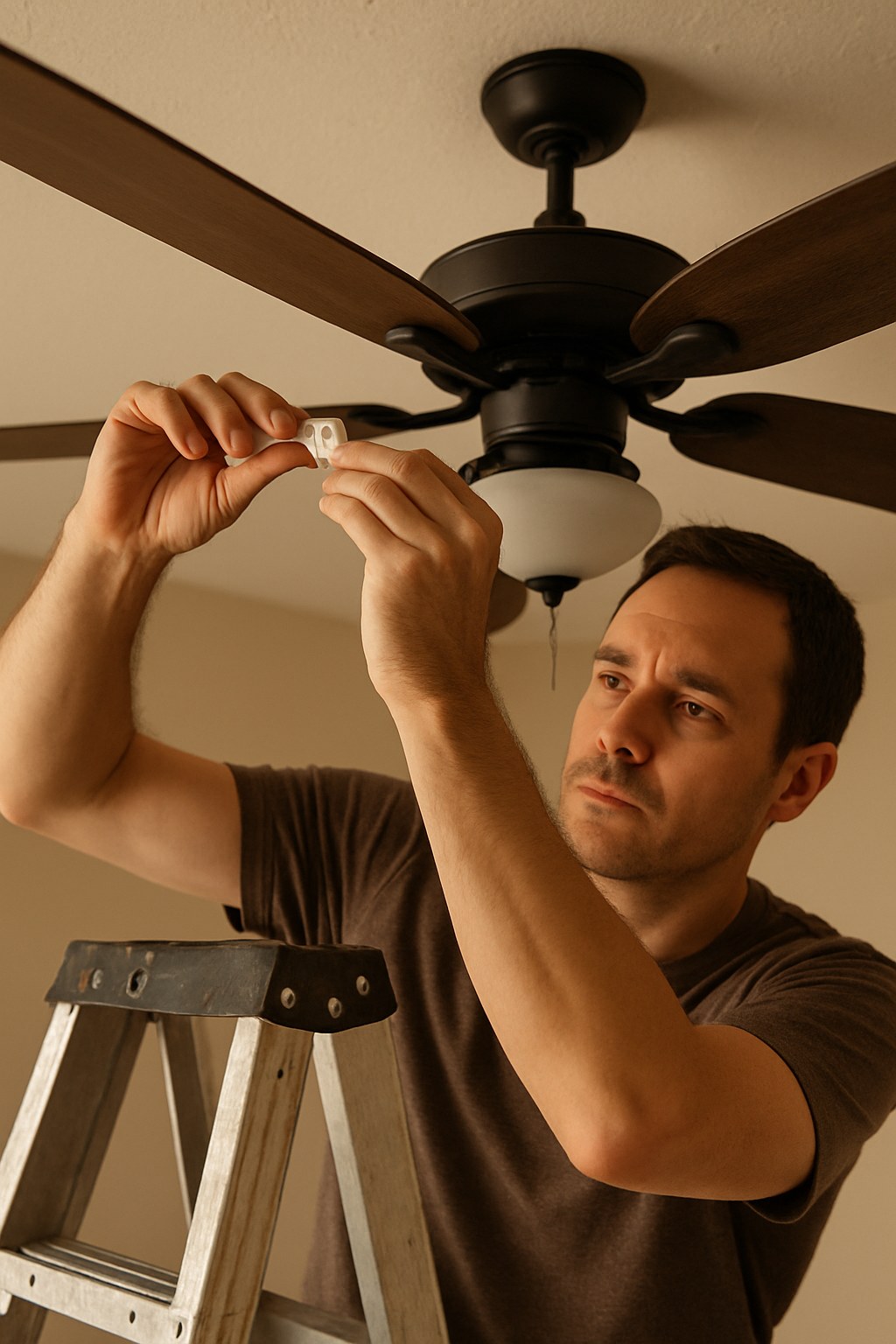
If cleaning and tightening didn't solve the problem, it's time to balance the blades. For this, you'll need a simple ceiling fan balancing kit. You can find these for under $10 at any home improvement store. The kit contains a plastic clip and some small, self-adhesive weights.
- Turn the Power OFF Again: Safety first! Head back to the breaker and switch it off. Wait for the blades to come to a complete stop.
- Attach the Balancing Clip: Take the plastic clip from your kit and slide it onto the trailing edge of any one of the fan blades, about halfway between the motor and the tip.
- Turn the Power ON and Test: Flip the breaker back on and run the fan at a medium speed—the speed where the wobble is most noticeable.
- Find the Problem Blade: If the wobble is better, you've found the right blade. If it's worse, move the clip to the next blade and test again. Repeat this process until you find the blade where the clip reduces the wobble the most.
- Find the Sweet Spot: Once you've identified the problem blade, turn the power off again. Now, start moving the clip in small increments along that blade's edge—first toward the tip, then toward the motor—testing the fan each time. Your goal is to find the exact spot where the wobble is almost completely gone.
- Apply the Adhesive Weight: Once you've found the perfect spot, turn the power off one last time. Take one of the adhesive weights from the kit, peel off the backing, and stick it to the top center of the fan blade, directly in line with where the clip is.
- Final Test: Remove the plastic clip, turn the power on, and watch your beautifully stable, smooth-running fan.
Part 4: When to Call a Professional
If you've cleaned, tightened, and balanced your fan and it still wobbles, you may be dealing with a more serious issue like a bent blade bracket or a warped blade.
To check for this, use a tape measure to measure the distance from the ceiling to the tip of each blade. If the measurements differ by more than a quarter-inch (about 6mm), you likely have a bent bracket. At this point, or if you're uncomfortable with any of the steps above, it's best to call a professional handyman. According to Angi, hiring a pro to balance or repair a ceiling fan can cost between $150 and $350. By trying these DIY steps first, you can potentially save a significant amount of money.
How to Fix a Wobbly Portable Fan
Fixing a shaky box fan, pedestal fan, or desk fan is much simpler and safer since you're not on a ladder and there's no complex wiring involved.
- Unplug the Fan: This is the most important first step. Never work on an appliance that's plugged into an outlet.
- Remove the Grille: Most portable fans have a plastic grille on the front held on by clips or a few screws. Undo these to get access to the blades.
- Clean the Blades Thoroughly: Just like with a ceiling fan, dust is the primary suspect. Use a damp cloth to wipe every speck of dust and grime from both sides of each blade.
- Reassemble Securely: Snap or screw the front grille back into place, making sure it's seated properly.
- Plug In and Test: Plug the fan back in and run it on low. In 9 out of 10 cases, a thorough cleaning is all a portable fan needs to stop wobbling.
If your portable fan still wobbles after a deep cleaning, it may have a bent plastic blade or worn-out motor bearings. For most inexpensive fans, a repair isn't cost-effective, and it may be time to consider a replacement.
Take Control of Your Home Maintenance
A wobbly fan is a classic homeowner headache, but with a little patience and the right steps, it's a problem you can solve yourself. By taking the time to clean, tighten, and balance your fan, you not only eliminate the annoying noise and shaking but also extend the life of your appliance and ensure it runs safely.
Feeling empowered? There are dozens of other simple home repairs you can tackle yourself. For more expert-guided DIY projects, maintenance reminders, and a direct line to trusted professionals for those bigger jobs, download the Casa app today! Stop letting small problems turn into big headaches and take control of your home with Casa.
Related Reading


 BACK
BACK