Here at Casa, we believe in empowering you to manage your home with confidence. Think of us as your friendly expert on the other end of the line, ready to walk you through it. So, let’s roll up our sleeves and shed some light on how to replace a light switch.
First, Let's Identify Your Switch
Before you head to the hardware store, you need to know what kind of switch you're dealing with. Not all switches are created equal, and grabbing the wrong one is a guaranteed way to get frustrated.
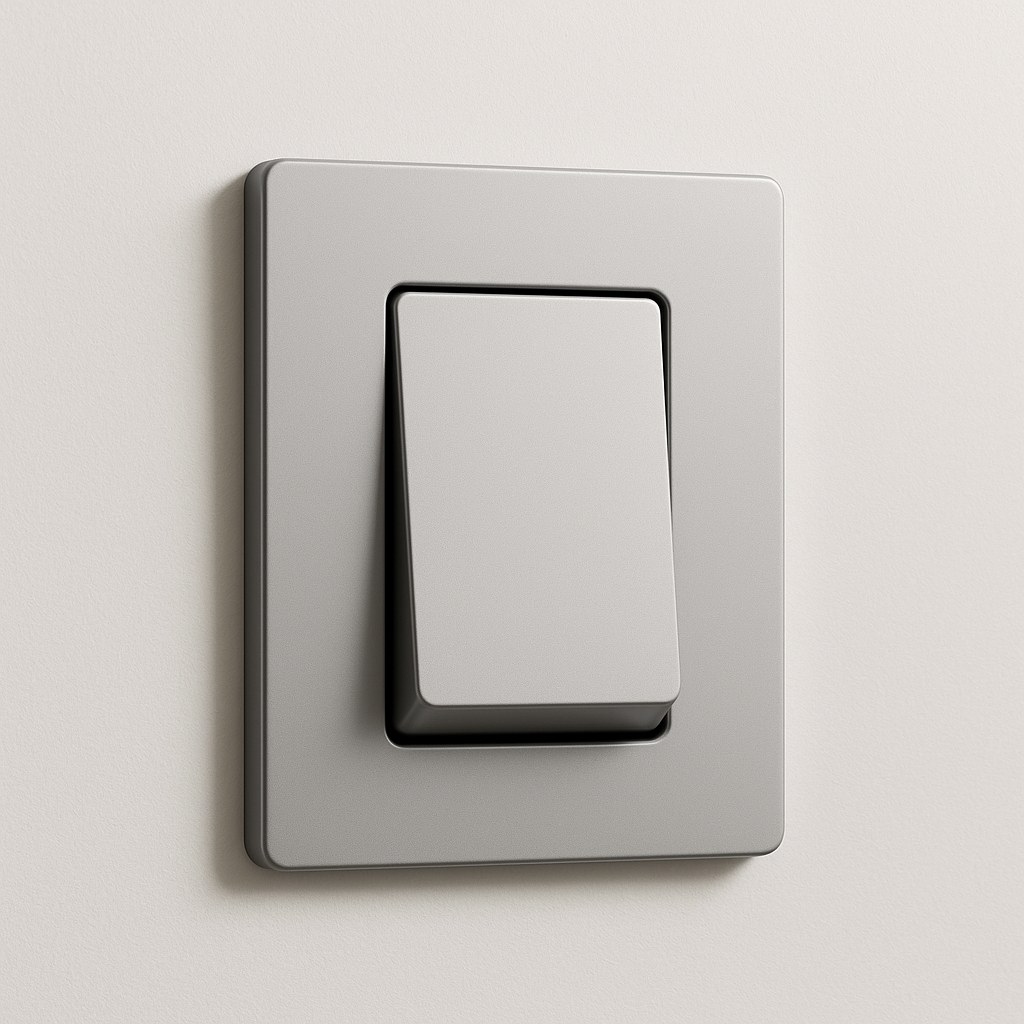
- Single-Pole Switch: This is the most common type of switch in any home. It has a simple on/off toggle and controls a light fixture (or outlet) from a single location. If there's only one switch for the light, you've got a single-pole.
- Three-Way Switch: If you can control the same light from two different switches—say, at the top and bottom of a staircase or at both ends of a hallway—you have three-way switches. These are always replaced in pairs, though you usually only need to replace the one that's malfunctioning.
- Four-Way Switch: In some larger rooms, you might have three or more switches controlling a single light. The switch in the middle of this circuit is a four-way switch. These are more complex, and as our guide suggests, this is a job best left to a licensed electrician to avoid wiring mix-ups.
Once you know the type of circuit, you can choose the style:
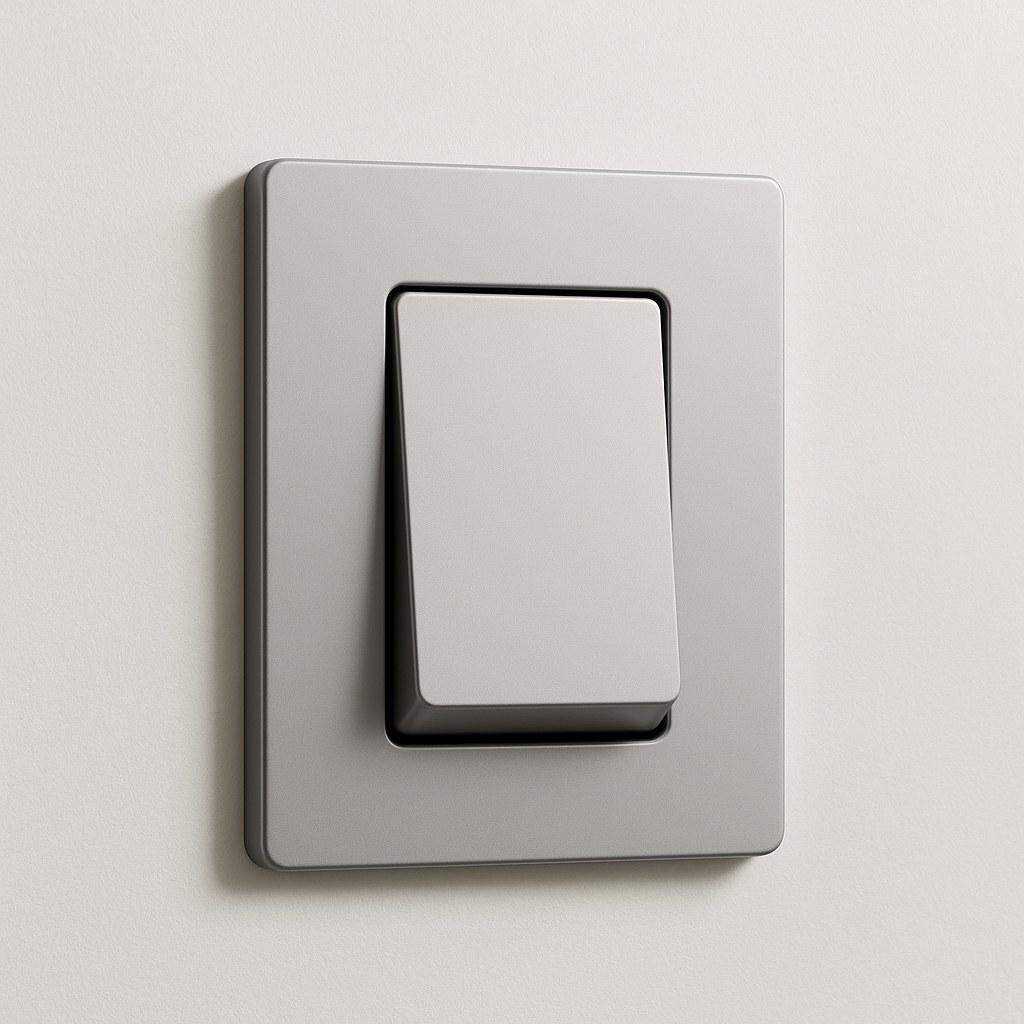
- Standard Toggle/Rocker: Your basic, reliable on/off switch.
- Dimmer Switch: Allows you to adjust the brightness of your lights, perfect for setting the mood in a dining room or living area.
- Smart Switch: Lets you control your lights remotely via a smartphone app, voice commands, or automated schedules.
Tools and Materials You’ll Need
Gathering your tools beforehand makes any job go smoother. You won't need much for this project:
- A new light switch (of the correct type: single-pole or 3-way)
- A flathead screwdriver (for the wall plate)
- A Phillips head screwdriver (for the switch mounting screws)
- A non-contact voltage tester: This is non-negotiable. It's an inexpensive tool that safely tells you if a wire is live without you having to touch it. Safety first, always!
- Wire strippers (in case you need to clean up the wire ends)
- Wire connectors (also called wire nuts)
The Golden Rule of Electrical Work: Safety First!
We can't stress this enough: working with electricity is dangerous if you don’t take the proper precautions. The single most important step is to make sure the power is completely off before you touch a single wire.
Here’s how to do it right:
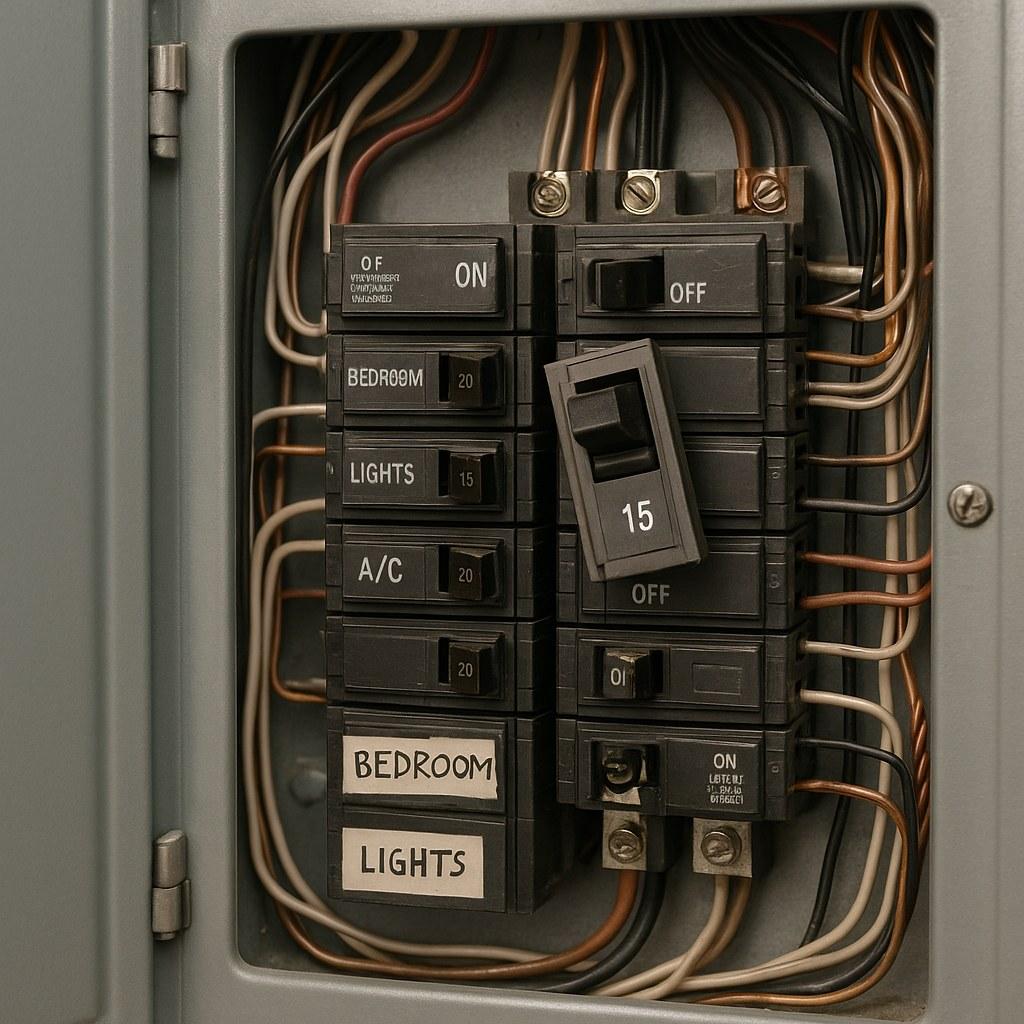
- Find Your Electrical Panel: This is usually in the basement, garage, utility closet, or hallway. It’s the metal box full of circuit breakers.
- Locate the Correct Breaker: The inside of the panel door should have a map or labels telling you which breaker controls which room. Find the one for the room you're working in.
- Flip the Breaker: Firmly switch the breaker to the "OFF" position.
- Confirm the Power is Off: Go back to the light switch and flip it. The light should not turn on. If it does, you've flipped the wrong breaker. Go back to the panel and try again until you find the right one.
This confirmation step is crucial. Never assume a breaker is labeled correctly. Always test.
How to Replace Your Light Switch: A Step-by-Step Guide
With the power off and your tools ready, you’re set to go.
Step 1: Remove the Old Wall Plate and Switch
Use your flathead screwdriver to remove the small screws holding the wall plate on. Set the plate and screws aside. Next, use the Phillips head screwdriver to unscrew the two longer mounting screws at the top and bottom of the switch itself.
Step 2: Pull Out the Switch and Test the Wires (Again!)
Gently pull the switch straight out from the wall box. The wires will still be attached. Now, for your second and most important safety check: grab your non-contact voltage tester. Touch the tip of the tester to the screw terminals on the side of the switch and against each wire. If the tester lights up or beeps, STOP IMMEDIATELY. There is still power going to the switch. You must return to the electrical panel and find the correct breaker.
If the tester shows no power, you are safe to proceed.
Step 3: Take a Photo and Identify the Wires
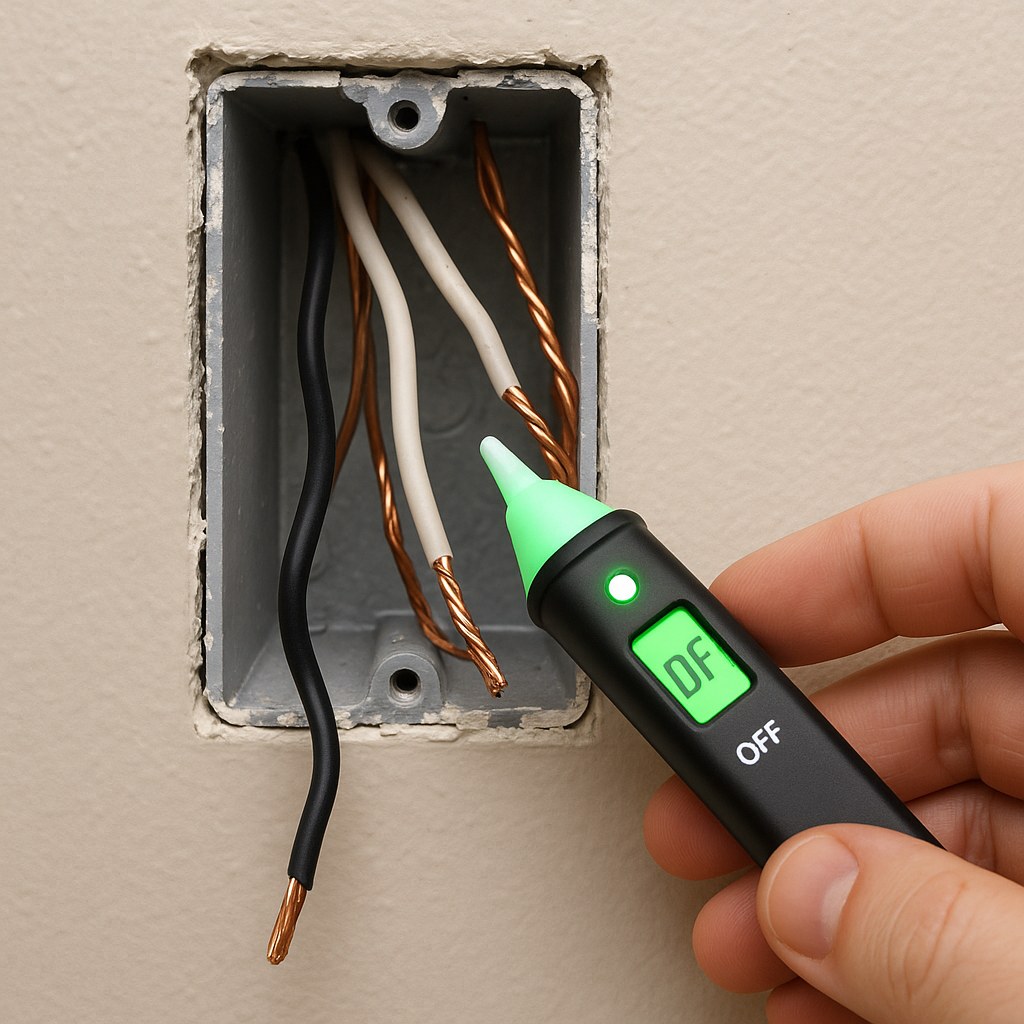
Before you disconnect anything, take a quick photo of the current wiring setup with your phone. This is a lifesaver if you get confused later. You'll typically see a few different wires:
- Hot & Load Wires (Black): In a simple single-pole switch, you'll have two black wires. One (the "hot" or "line") brings power from the panel, and the other (the "load") sends power to the light.
- Traveler Wires (Red or other colors): In a 3-way switch, you'll see these extra wires that carry power between the two switches.
- Common Wire (Black, on a dark screw): On a 3-way switch, one wire will be connected to a screw that is a different color (usually black or dark bronze). This is the "common" wire, and it’s critical to know which one it is. Mark it with a piece of electrical tape.
- Ground Wire (Bare Copper or Green): This is a safety wire connected to a green screw on the switch.
- Neutral Wires (White): You’ll likely see a bundle of white wires tucked into the back of the box, capped with a wire nut. Most standard switches don't use these, but nearly all smart switches and some dimmers require a neutral connection.
Step 4: Connect the New Switch
Carefully loosen the terminal screws on the old switch and unhook the wires. Now, refer to your photo and the instructions that came with your new switch.
- For a Standard Single-Pole Switch: Connect the two black wires to the two brass-colored screws on the new switch. It doesn’t matter which black wire goes on which screw. Attach the copper/green ground wire to the green screw.
- For a Standard 3-Way Switch: Connect the "common" wire (the one you marked!) to the dark-colored "common" screw on the new switch. Then, connect the other two wires (the travelers) to the two brass-colored screws. Attach the ground wire to the green screw.
- For a Dimmer or Smart Switch: These often have wire leads instead of screws. Follow the manufacturer's instructions carefully. You will typically use wire nuts to connect the switch's leads to the wires in the wall. A smart switch will almost certainly require you to connect its neutral lead to that bundle of white neutral wires in the back of the box.
Step 5: Secure Everything and Test Your Work
Gently fold the wires back into the electrical box. Push the new switch into place and secure it with its mounting screws. Don't overtighten them—just make them snug. Screw the wall plate back on.
Now for the moment of truth! Go back to the electrical panel and flip the breaker back to the "ON" position. Head to your new switch and test it out. If it works, congratulations!

What if It Doesn't Work? When to Call an Electrician
If the light doesn't turn on, don't panic. Turn the breaker off again and double-check your connections. If you're still stuck, or if you encountered any of these situations, it's time to call a professional:
- You found brittle, cracked, or aluminum wiring.
- The breaker trips immediately after you turn it on.
- You don't have a neutral wire for a smart switch that needs one.
- You're simply not comfortable or confident in your work.
There's no shame in calling for help. A licensed electrician can solve the problem quickly and safely.
How Much Does It Cost to Replace a Light Switch?
- DIY Cost: This is an incredibly budget-friendly project. A standard switch costs just a few dollars, while dimmers and smart switches range from $15 to $50. If you need to buy a voltage tester, that's another $10-$15.
- Professional Cost: Hiring an electrician to replace a switch typically costs between $100 and $250, depending on your location and the complexity of the job.
Take Control of Your Home Maintenance
Fixing a light switch is a fantastic way to build your DIY skills and save some money. By following these steps and prioritizing safety, you can tackle this project with confidence.
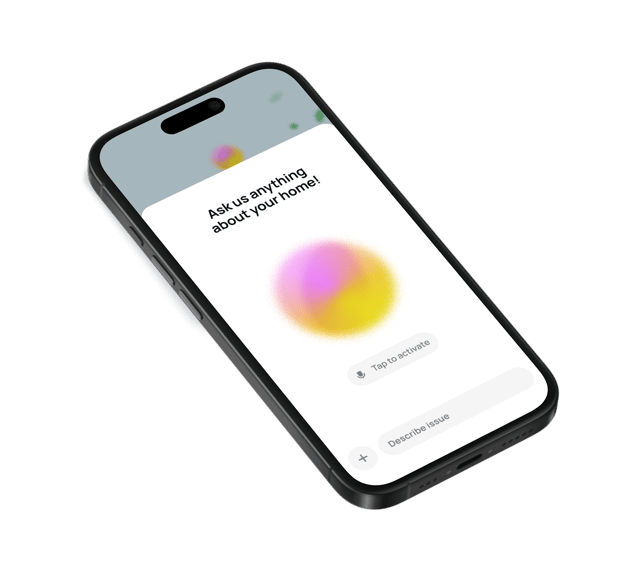
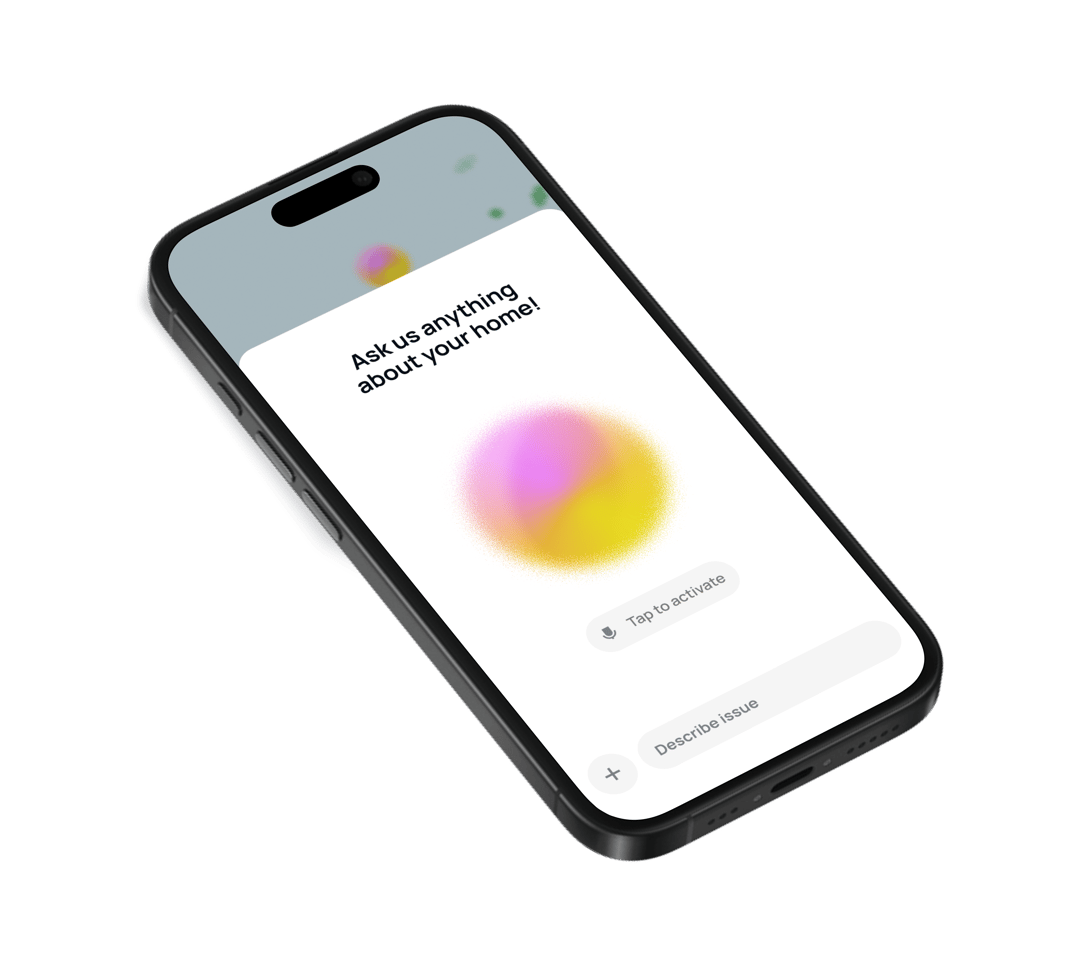
Want more easy-to-follow guides for everyday home repairs? Or need to find a trusted, vetted electrician for those bigger jobs? Download the Casa app today! Casa is your all-in-one partner for home maintenance, putting expert advice and professional help right at your fingertips. Take the stress out of homeownership and let Casa light the way.
Related Reading


 BACK
BACK