

Feb 1, 2026
How to Fix an Oven Light That Wont Turn On
An oven light that's out is a common issue. Our guide walks you through safe, simple steps to diagnose the problem, from replacing the bulb to checking the door switch.
It’s frustrating when you can’t see what you’re cooking because the oven light has gone out. This is a very common issue for homeowners, and thankfully, it’s usually one you can fix yourself with just a few minutes of work.
Looking for more guidance? Take a look at our Repairs overview.
Most of the time, the solution is as simple as replacing a burnt-out light bulb. In other cases, a minor adjustment to the door switch will do the trick. The key is to approach the repair safely.
This guide will walk you through the proper steps to identify the problem and get your oven light working again, so you can keep a close eye on your next meal.
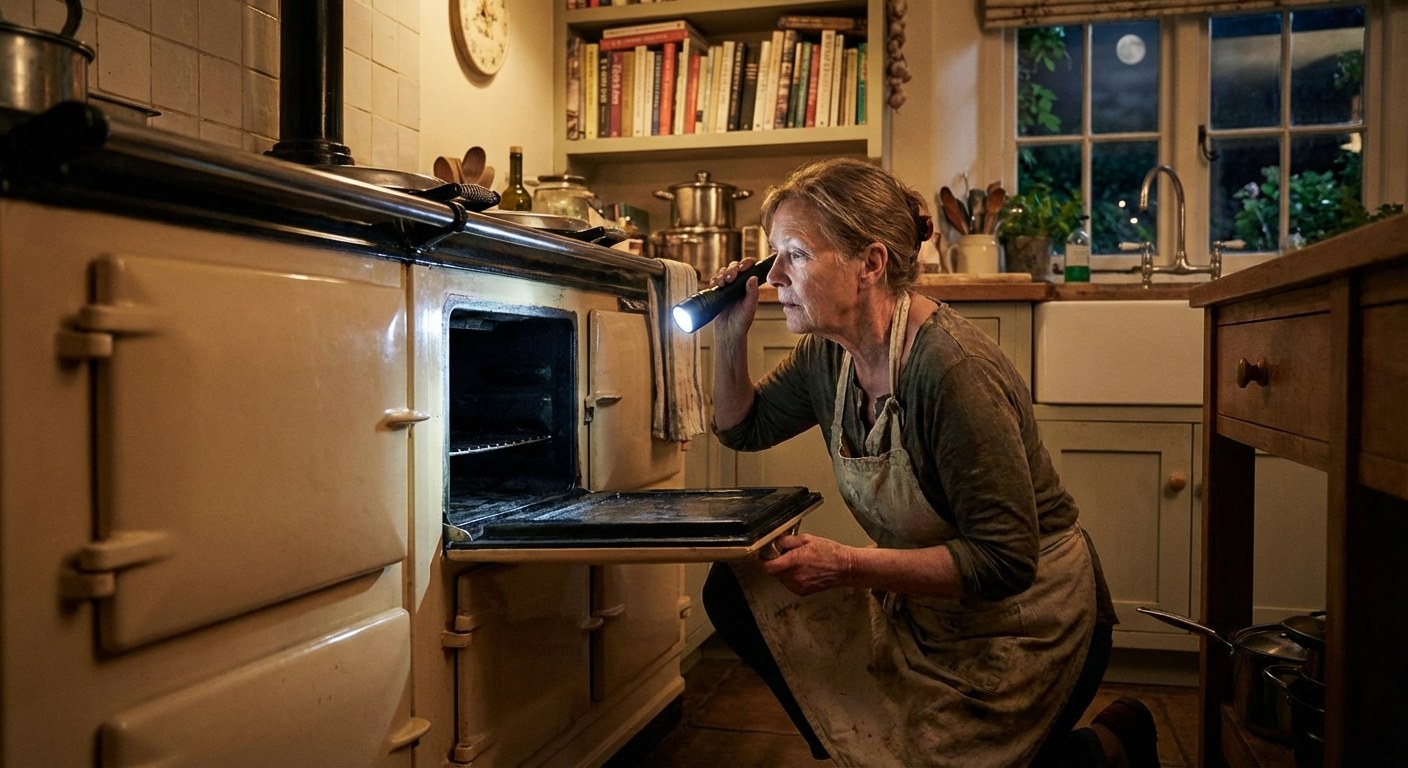 imageAlt: "A person inspects the inside of a dark oven with a flashlight before starting a repair."
Before You Begin: Important Safety Checks
Before you try any repairs, it’s essential to make sure the oven is safe to work on. Your safety is the top priority.
1. Check for Fire or Smoke First, look inside the oven for any signs of smoke or flames. If you see or smell heavy smoke, or if you see a fire:
- Do not open the door. Keep it closed to starve the fire of oxygen.
- Turn off the oven and, if you can do so safely, turn off the power at the circuit breaker.
- If the fire seems small and contained, you might use a Class B/C fire extinguisher.
- If you are ever in doubt, evacuate everyone from the home immediately and call 911.
2. Check if the Oven is in a High-Heat Mode Many modern ovens automatically disable the interior light during a self-cleaning cycle or when operating at very high temperatures (often above 400°F). This is a normal safety feature.
Check your oven’s control panel. If it’s in a self-clean cycle or shows a high temperature, simply wait for the cycle to finish and for the oven to cool down completely. The door will typically unlock on its own. Once it’s cool, try the light again. If it works, no further action is needed.
If the oven is cool and the light still won’t turn on, it’s time to move on to the repair.
How to Fix Your Oven Light
Once you’ve confirmed it’s safe to proceed, follow these steps. The most likely cause is a burnt-out bulb, so we’ll start there.
What You Might Need:
- A new appliance light bulb (check your oven manual for the correct type and wattage)
- Phillips screwdriver
Step 1: Replace the Oven Light Bulb
This is the most common fix and a great skill for any homeowner.
- Turn Off the Power. Go to your home’s main electrical panel and flip the circuit breaker that controls your oven to the “Off” position. This is the most important step to prevent electric shock.
- Locate the Bulb Cover. Open the oven door and find the light bulb, which is usually protected by a small glass or metal cover. It’s typically located on the back wall or in an upper corner of the oven cavity.
- Remove the Cover. Twist the cover counter-clockwise to unscrew it. It might be a little tight, but it should come off with firm pressure. Set it aside.
- Remove the Old Bulb. Gently unscrew the old light bulb by turning it counter-clockwise. You may notice that the glass is dark or that the filament inside is broken—clear signs it has burned out.
- Install the New Bulb. Screw the new appliance bulb in clockwise until it is snug. Be sure to use an appliance bulb, as standard household bulbs are not designed to withstand the high temperatures inside an oven.
- Replace the Cover. Screw the bulb cover back on, turning it clockwise until it’s secure.
- Restore Power. Go back to the electrical panel and flip the circuit breaker back to the “On” position.
- Test the Light. Press the light button on your oven’s control panel or open the door.
If the light turns on, you’ve fixed it. If the new bulb still doesn’t light up, the problem may be the door switch.
Step 2: Inspect and Adjust the Door Switch
The door switch is a small button or plunger, usually located on the oven’s front frame, that gets pressed down when the door closes. It tells the oven’s computer that the door is shut and often controls the light as well.
- Locate the Switch. With the oven door open, look for a small switch along the frame where the door makes contact.
- Test the Switch Manually. With the power to the oven still on, use your finger to press and release the switch several times. If the light flickers or turns on, the switch is working but may not be making proper contact when the door is closed.
- Adjust the Switch Position. If the switch seems loose or misaligned, you can often adjust it. Use a Phillips screwdriver to slightly loosen the screw holding it in place. Slide the switch a tiny bit forward (toward the door opening) so the door will fully depress it when closed.
- Tighten and Test. Tighten the screw and close the door to see if the light now works correctly.
When to Stop and Call a Professional
If you’ve replaced the bulb and adjusted the door switch, but the light still won’t turn on, it’s time to pause. The issue is likely more complex and could involve faulty wiring, a bad light socket, or a problem with the oven's main control board.
These repairs are not recommended for a DIY project, as they require electrical expertise and specific diagnostic tools. At this point, the safest and most effective next step is to contact a qualified appliance repair technician.
Typical Time and Cost
- DIY Repair:
- Time: 10-20 minutes.
- Cost: The price of a new appliance bulb, typically $5 to $10.
- Professional Repair:
- A service call from an appliance technician usually costs between $100 and $250, which typically includes the initial diagnosis and labor for a simple repair. The price can vary based on your location and the complexity of the issue.
You’re Ready to Get It Done
An oven light that won’t turn on is almost always a minor problem you can resolve yourself. By following these safety checks and simple steps, you can handle the issue with confidence. Knowing how to perform small fixes like this not only saves you money but also helps you feel more in control of your home.
Keeping track of your home’s appliances and their little quirks is easier with a plan. Download the Casa app to get personalized reminders for maintenance, track repairs, and connect with trusted pros for the jobs you’d rather not handle alone. Stay prepared and feel confident in your home.