

Updated Nov 23, 2026
How to Fix an Oven Timer That Isn't Working
Unlock, set, or reset an oven timer that stopped working, clean a stuck dial safely, and tell a settings problem from a failed control.
An oven timer that isn't working usually has a simple cause. The controls are locked, Start was never pressed, the clock needs setting, or the control needs one reset at the breaker. On a dial timer, it is often grease behind the knob.
Looking for more guidance? Take a look at our Repairs overview.
Work through the checks below in order. None of them involves opening the oven. If the display stays blank, the buttons do nothing, or the dial still won't tick after a cleaning, the timer or control needs a technician.
A broken timer does not always mean a broken oven. If the oven heats and turns off normally, use a phone or a kitchen timer while you wait. If it will not turn off, stop using it and turn off its breaker.
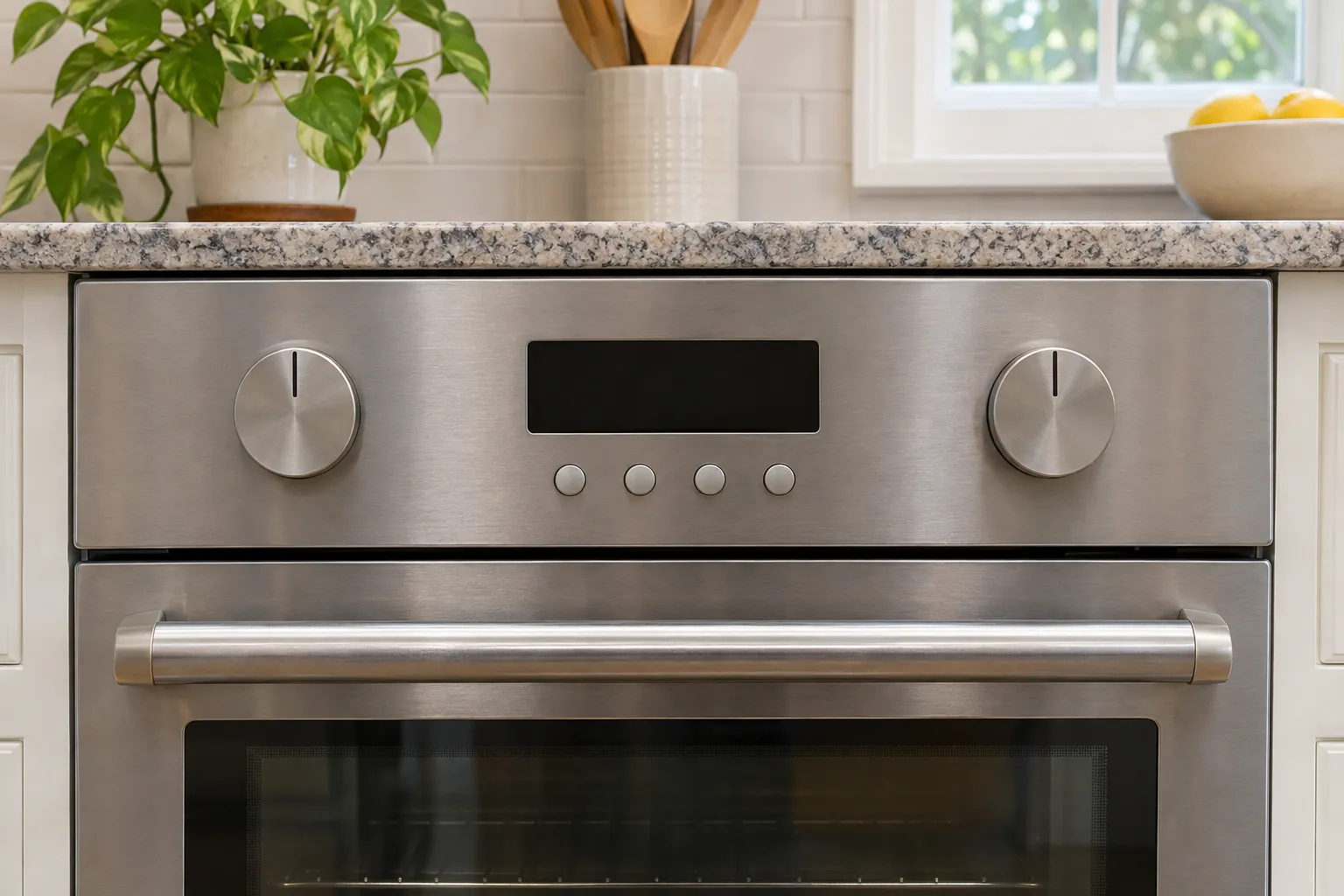
Why Did My Oven Timer Stop Working?
-
For Digital Timers: The timer is part of the oven's electronic control.
- Control Lock: Many ovens have a "Control Lock" or "Child Lock" that disables the buttons. It is easy to turn on by accident.
- A missed step: GE's timers do not run until you press Start or Set.
- A power cut or surge: GE says electrical spikes or surges can affect the clock's software. A reset may clear it.
- A failed control: The control board or touchpad may have failed. That is a service call.
-
For Mechanical Timers: These rely on springs and gears.
- Grease and grime: Buildup around the dial makes it stiff or stops it turning.
- A worn mechanism: The spring or gears that tick and ring wear out.
Step 1: Identify Your Oven Timer Type
The first step is to determine whether your oven has a digital or a mechanical timer, as the troubleshooting steps are completely different for each.
- Digital/Electronic Timer: Look at your oven's control panel. Do you see a digital display (like a digital clock) with numbers and symbols? Are the controls push-buttons or a touch screen? If so, you have a digital timer.
- Mechanical Timer: Does your oven have a physical, round dial that you turn by hand to set the time? Does it make a ticking sound as it counts down? This is a classic mechanical timer.
Once you know which type you have, proceed to the correct section below.
How to Fix a Digital Oven Timer
If your digital display is on the fritz, the fix is often as simple as a quick reset. Let's walk through the process.
Initial Troubleshooting Checks
Rule these out before you go to the breaker.
- Check other functions: Press a few other buttons and try the oven light. If everything else works, the problem is in the timer or how it is set. If nothing on the panel works, look for a lock or a power problem.
- Look for a control lock: Look for a padlock or the letters "LOC." To clear it, you usually hold one button for a few seconds. On one Whirlpool control it is Start/Enter for 5 seconds. Your manual will name yours.
- Check that it is really stopped: GE's timer counts in hours and minutes, so the number changes only once a minute and shows seconds only in the last minute. Set it for 1 minute and press Start to test it.
- Check that you set the right timer: On GE ovens, Timer or Kitchen Timer only beeps, and the oven keeps running. Cook Time turns the oven off at the end.
- Rule out special modes: Sabbath Mode and Demo Mode change what the controls do. Your manual explains how to leave them.
If the controls aren't locked and the timer still won't run, try one reset.
How to Reset Your Digital Oven Timer
Cutting power restarts the oven's control. Do it once. Skip it if you smell gas or anything burning, or if the breaker panel is hot, buzzing, wet, or scorched.
- Turn the oven and all burners off and let them cool.
- Find the oven's breaker: Open the panel door and look for "Oven," "Range," or "Stove." An electric oven usually has a double-width breaker. Touch only the switch, and never remove the metal cover behind the door.
- Turn it off: Push it fully to "OFF."
- Wait: GE says one minute resets its electronic controls. If the clock is gaining or losing time, GE says to wait 10 minutes.
- Turn it back on: If it trips again, leave it off and call an electrician or appliance technician.
- Set the clock: It will usually be flashing. Set the time of day before you use any timed feature.
- Test the timer: Set it for one minute and press Start. If it counts down, you're done.
If the timer still doesn't work, the control needs service. Repeated resets won't help.
How to Fix a Mechanical Oven Timer
For those with a trusty mechanical timer, the problem is usually physical rather than electronic. A stiff, stuck, or silent dial is often caused by years of kitchen grime.
Diagnosing the Dial
Turn the timer dial gently clockwise and notice two things. Do not force it.
- The feel: Does it turn smoothly, or does it feel stiff, gritty, or stuck?
- The sound: Can you hear it tick?
If the dial feels gritty or sticks, try cleaning it.
If your oven has "Start" and "Stop" dials next to the clock, check those first. On GE's older ovens, the Start and Stop dials are pushed in to set timed baking and pop out when they are done. One that is still pushed in, or an oven knob left on "Time Bake," can look like a broken timer or an oven that won't heat.
How to Clean the Mechanical Timer Dial
Cut the power first. Turn off the oven's breaker and let the oven cool. Do not drag the range out to reach its plug. On a gas range that can strain the gas connector.
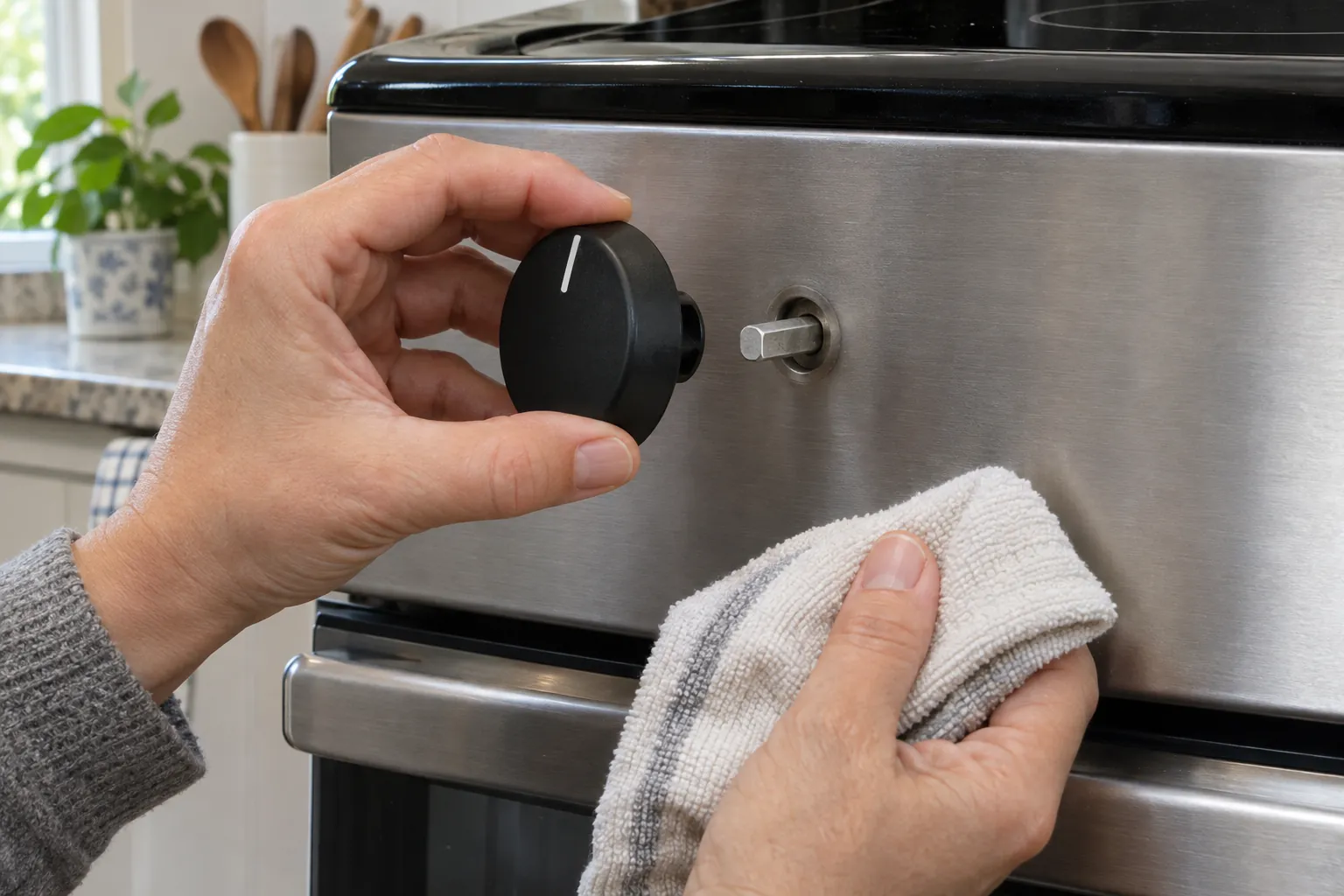
- Remove the knob: Take a photo of its position, then pull it straight off. If it will not come off by hand, stop rather than pry.
- Clean the knob and panel: Wash the knob in warm, soapy water. Wipe the panel around the shaft with a barely damp cloth. Do not spray cleaner or pour water on the panel.
- Skip the lubricant: Oil or silicone can run into the switch behind the panel.
- Dry everything, then line up the knob with the flat side of the shaft and push it on.
- Restore power at the breaker.
- Test it: Turn the dial to 10 minutes. It should move freely and tick.
If it still sticks or stays silent, the mechanism behind the panel is worn. Leave that to a technician.
When It's Time to Call a Professional
Call an appliance technician if one reset and a cleaning didn't help. The likely causes are:
- A failed electronic control or display.
- A broken spring or gear in a mechanical timer.
- A wiring fault behind the panel.
Stop using the oven and call sooner if it heats with the controls off, the panel is hot, or you see scorching.
When you call, give the model number and say which functions still work. Ask what the diagnosis costs, whether it comes off the repair, and whether the control or timer is still made for your model. If the part is discontinued or costs a large share of a new oven, and the oven still heats safely, living with a separate timer may be the sensible choice. Thumbtack puts the national average for oven repair at $136 to $346, and HomeGuide lists an oven control board at $150 to $600.