

Updated Nov 23, 2026
How to Fix Motorized Blinds That Won't Work
Tell a power, remote, obstruction, or limit problem apart on motorized blinds, fix the safe ones, and know when hard-wired blinds need an electrician.
Motorized blinds that won't work usually have one of three problems: no power, something in the way, or a control that has lost its connection. Batteries are the most common cause, so start there if yours run on them.
Looking for more guidance? Take a look at our Repairs overview.
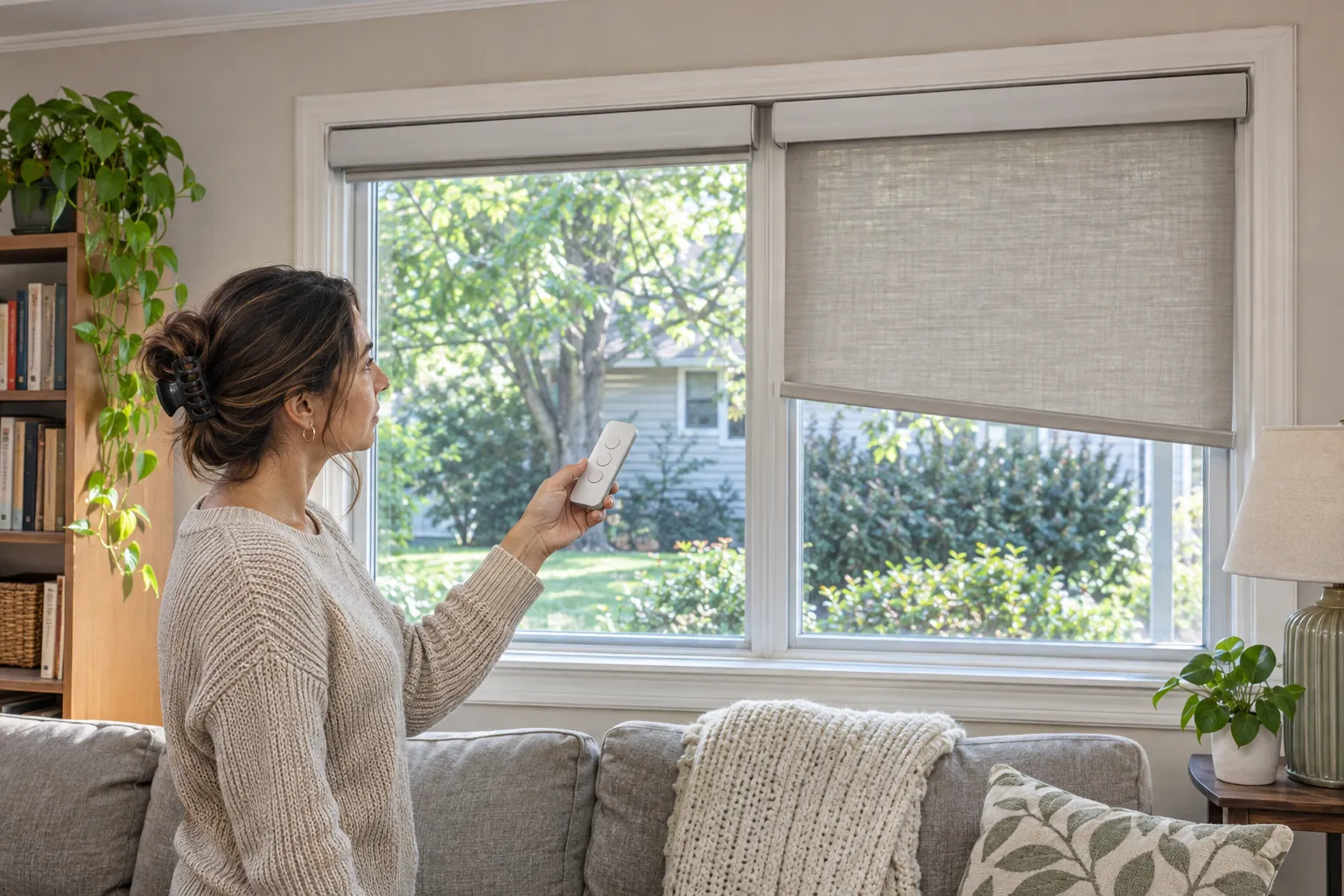
Press "up" on the remote or app and listen. A hum, click, or jog means the motor has power. Silence means you should check batteries, the plug, or the remote first.
The First Step: A Quick Diagnosis
Stand near the blind, use your usual control, and press "up" or "down" once.
- You hear a hum, grind, or click: The motor is getting power. Something may be blocking the blind, or its limits need resetting. Let go of the button. Holding it down can overheat the motor.
- You hear nothing: Look at power and the control.
If other blinds still work from the same remote, the remote is fine. If none do, start with the remote or hub.
Path 1: The Motor is Making Noise But the Blinds Aren't Moving
If you can hear the motor trying to work, you've already ruled out power and control issues. The culprit is almost certainly a physical blockage or a calibration error.
Step 1: Check for Mechanical Obstructions
- Take away the power: Unplug a plug-in blind or disconnect its battery pack so it can't move while your hands are near it.
- Look along the whole blind: Check the slats or fabric, the side tracks, and the headrail. Use a stable step stool for the top.
- Common blockages:
- An object on the windowsill.
- Tangled cords or ribbons, or fabric that has wrapped crooked.
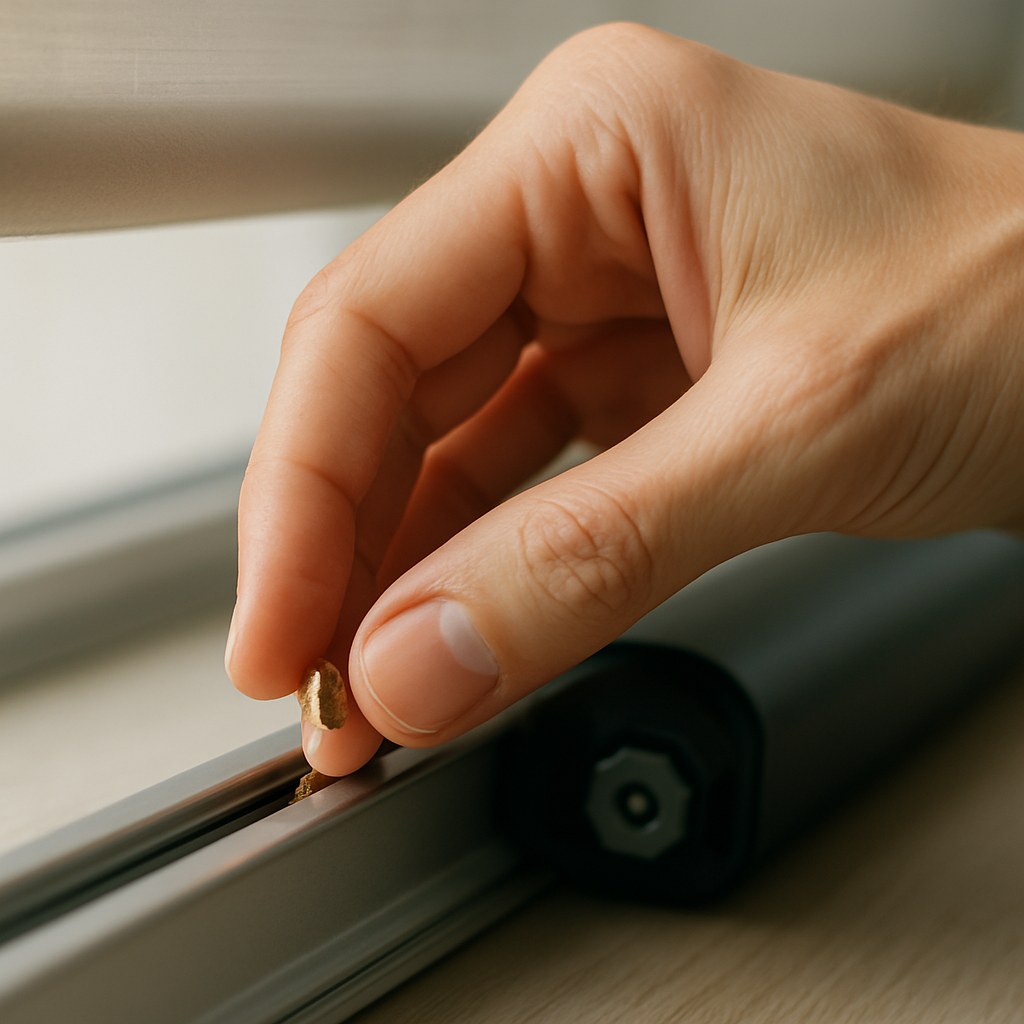
- Dust, debris, or insects in the side tracks.
- Bent slats catching on each other.
- Clear it gently. Straighten slats by hand. Don't pull the blind down or up by force, which can strip the motor or the limits.
- Restore power and test.
Step 2: Recalibrate the Motor's Limits
If the blind stops in the wrong place, or jogs and quits, it may have lost its top and bottom limits. The steps differ by brand, and the wrong press can erase the limits or the remote pairing. Find the instructions for your exact model first.
- Find the program button. It is usually on the headrail or motor head, and sometimes on the remote.
- Try the maker's reset. For its older PowerView shades, Hunter Douglas says to hold the programming button for six seconds, then release it when the shade jogs. The shade opens and closes itself to relearn its travel.
- Keep the window clear while it moves, and keep hands and children away.
- Set the limits only if your manual calls for it. You move the shade to the lowest point, save it, move it to the highest point, and save that.
- Test it normally.
Path 2: The Motor is Completely Silent
If you heard no sound at all during the initial test, the problem lies with the power supply or the controller. Let's start with power, as it's the most common culprit.
Step 1: Identify Your Power Source
Motorized blinds get their juice from one of three sources. Look at the top of your window treatment to see which one you have.
- Battery Pack: You'll see a tube or wand clipped or Velcroed to the headrail.
- Plug-In Adapter: A thin wire will run from the headrail to a nearby wall outlet.
- Hard-Wired: You won't see any external wires or battery packs. The blinds are wired directly into your home's electrical system.
Step 2: Troubleshoot Your Power Source
Once you know your power type, follow the steps for it.
If You Have a Battery Pack:
- Remove the pack or wand from its clips.
- Replace all the batteries with fresh ones of the type printed on the tube. Match the direction marks. Bali's maker also says to check that both end caps are straight and tight, and that the motor and battery leads are firmly connected.
- Rechargeable pack? Charge it fully with its own charger. Bali says its packs need charging at least once a year, for about 6 hours.
- Large shade? Look for a second pack.
- Reconnect and test. If another blind in the house works, swap packs to see whether the problem follows the pack.
If You Have a Plug-In Adapter:
- Check the outlet with a lamp or phone charger.
- Reset the GFCI outlet or breaker once if the outlet is dead. If it trips again, leave it off and call an electrician.
- Check the adapter: Push it and the cord's other connections in firmly. Replace a damaged adapter only with the maker's part.
If Your Blinds are Hard-Wired:
Check the breaker, and reset it once if it has tripped. Look for a wall switch that feeds the blinds. Stop there. Do not remove a cover plate or test the wires. Call the installer or an electrician.
Step 3: Check the Controls
If the blind has power but won't respond, the control may be the problem.
For Remote Controls:
Press any button and look for a light. If there is none, replace the battery with the type named in the compartment. Check that the remote is on the right channel. If the blind stopped after a battery change, it may need pairing again, so follow your manual.
Many remotes use a coin battery. Close the compartment fully, and keep loose batteries away from children. If a child swallows one, the Consumer Product Safety Commission says to get medical help right away and call the National Battery Ingestion Hotline at 800-498-8666.
For Smartphone Apps and Smart Home Hubs:
- Check your connection: Make sure your phone is on your home Wi-Fi.
- Restart the app.
- Reboot your hub: Unplug it for 30 seconds and plug it back in.
- Try the remote or the button on the blind. If those work, the problem is the app or hub, not the blind.
- Re-pair last. Removing a blind from the app can delete its schedules and limits.
What Does It Cost to Fix Motorized Blinds?
Thumbtack's blind installation guide lists motorized shades at an additional $30 to $80 per motor on an install. If the shade is past saving, HomeGuide puts a new motorized blind at $300 to $1,000 installed. For hard-wired blinds with no power, an electrician averages $193 to $648 per job, per Thumbtack data.
When It's Time to Call a Professional
Call the dealer or installer first, especially if the motor may be under warranty. Call them if:
- Fresh power, a clear path, and the maker's reset haven't helped.
- The motor hums but can't move a clear blind, or smells burned.
- Cords, clutches, or the tube are broken.
Call an electrician if the blinds are hard-wired and have no power, or the breaker trips.
Have the brand, the motor label, the age, and the power type ready. Ask whether the motor can be replaced on its own, since on some shades it costs close to a new one.