

Dec 19, 2025
Why Wont My AC Turn Off How to Fix a Constantly Running HVAC
Is your HVAC system running nonstop, causing high energy bills and an uncomfortable home? This guide will walk you through simple thermostat checks to diagnose and fix the problem, from fan settings and battery issues to sensor accuracy and wiring.
That constant, low hum of your air conditioner or furnace running without a break. At first, you might ignore it, but then you notice the air is a little too chilly or stuffy, and a sense of dread creeps in as you think about your next energy bill. If your HVAC system seems to have a mind of its own and won't shut off, you're not alone. This is a common household issue, and the good news is, the culprit is often the small control box on your wall: the thermostat.
Looking for more guidance? Take a look at our Repairs overview.
A system that runs nonstop, sometimes called "short cycling" if it turns on and off too frequently, isn't just annoying—it's a problem. It leads to significant energy waste, puts excessive wear and tear on your expensive HVAC equipment, and can fail to maintain a comfortable temperature in your home.
But before you panic and call for a costly emergency repair, let's walk through some simple troubleshooting steps together. Most of the time, a few quick checks and adjustments to your thermostat can solve the problem in minutes. Think of me as your friendly expert on the other end of the line, here to help you figure this out.
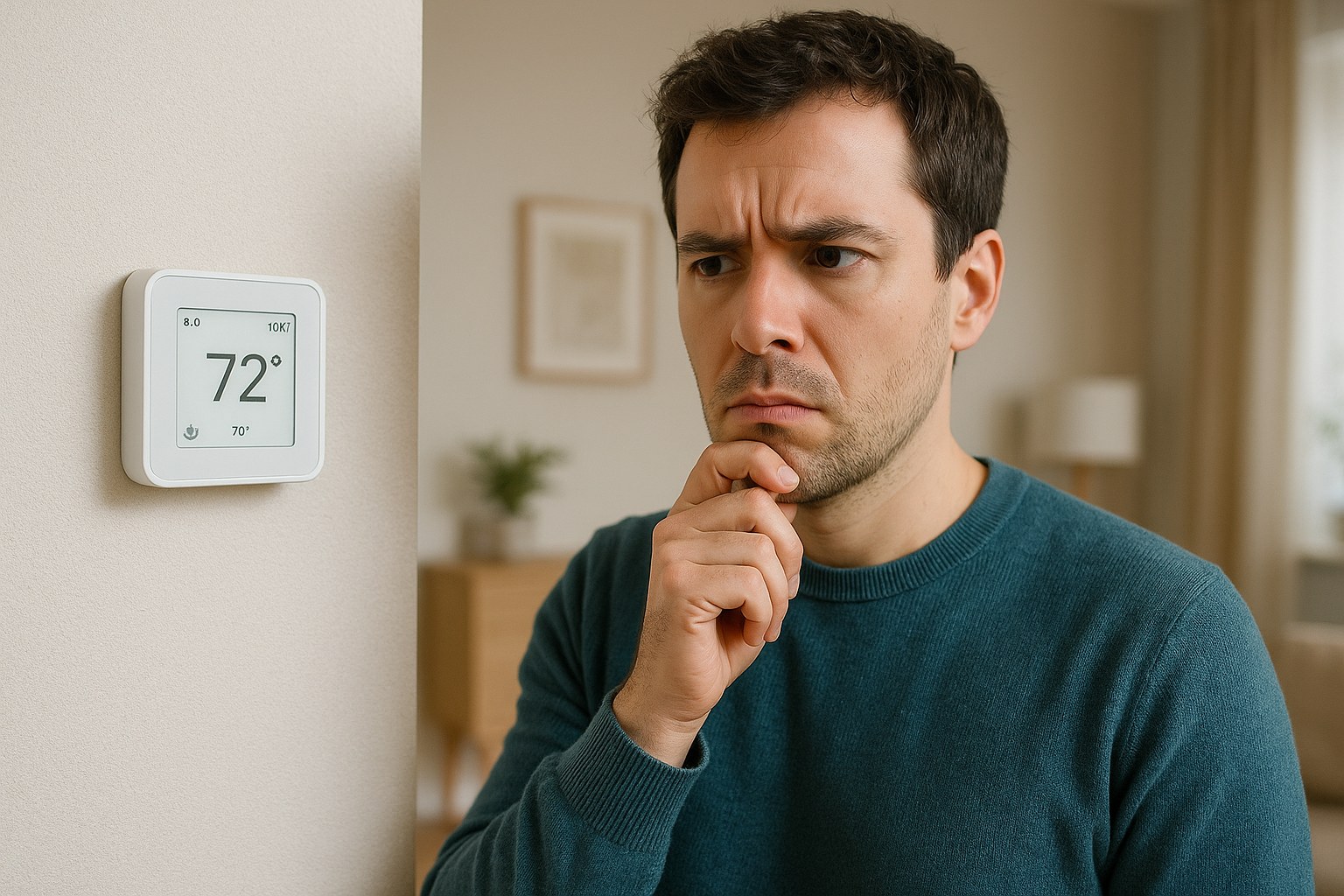
Why Is My HVAC System Always Running?
Your thermostat is the brain of your heating and cooling system. It tells your furnace or air conditioner when to turn on and when to turn off to maintain your desired temperature. When it runs constantly, it's usually because it thinks it hasn't reached that target temperature yet, or because a specific setting is telling it to keep the fan blowing. Let's dig into the most common reasons why this happens.
Step-by-Step Guide to Fixing a Constantly Running HVAC System
Grab a step stool if you need one, and let's head over to your thermostat. We'll start with the easiest fixes first and work our way to the slightly more involved ones.
Step 1: Check the Fan Setting
This is the number one cause of a "constantly running" system, and luckily, it's the easiest fix. Your thermostat has a setting that controls the HVAC fan, which is the part that blows the air through your vents.
- "On" Setting: This setting tells the fan to run 24/7, regardless of whether the system is actively heating or cooling the air. This is useful for circulating air but can be mistaken for the entire system running nonstop.
- "Auto" Setting: This is the standard setting for most homes. It tells the fan to run only when the system is actively heating or cooling. Once the target temperature is reached, both the AC/furnace and the fan will shut off.
How to Fix It:
- Look at your thermostat display and find the fan setting. You may need to press a "Fan" button to cycle through the options.
- If it’s set to “On,” press the button until it changes to “Auto.”
- Now, wait about five minutes. If the fan and the system shut off, you've found your problem! Pat yourself on the back—you just fixed it.
If the system is still running after you've switched the fan to "Auto," it's time to move on to the next step.
Step 2: Verify the Thermostat's Temperature Reading
Sometimes, the problem is that your thermostat is getting a bad read on the room's temperature. If it thinks the room is warmer or cooler than it actually is, it will keep running to try and hit a target it can never reach. This can happen for a few reasons:
- Direct Sunlight: Is your thermostat located where direct sunlight hits it during the day? That heat can trick the sensor into thinking the room is much warmer than it is, causing your AC to run endlessly.
- Drafts: Is it near a drafty window or door? A cold draft can make the thermostat think the room is colder than it is, causing the heat to stay on.
- Heat Sources: Placement near a hot lamp, a television, or kitchen appliances can also throw off its reading.
- Dust and Debris: Dust can accumulate inside the thermostat's faceplate, insulating the sensor and preventing it from getting an accurate reading.
How to Fix It:
- Clean the Thermostat: Gently pull the faceplate off your thermostat. Use a soft paintbrush or a can of compressed air to carefully clean out any dust from the internal components, especially the temperature sensor (it usually looks like a small metal bulb).
- Check for External Factors: Feel the wall around the thermostat. If it's in direct sun, try shading it with a curtain for a few hours. If you feel a draft, you may need to seal the window or door causing it.
- Compare Temperatures: To be sure, grab a simple digital thermometer and tape it to the wall right next to your thermostat. After about 15 minutes, compare the readings. If they are more than 3°F (or 2°C) apart, your thermostat's sensor is likely inaccurate or being influenced by its location.
If cleaning it and checking for environmental factors solves the discrepancy and your HVAC system shuts off, great! If the reading is still off, you may need to consider recalibrating it (if your model allows) or replacing the thermostat.
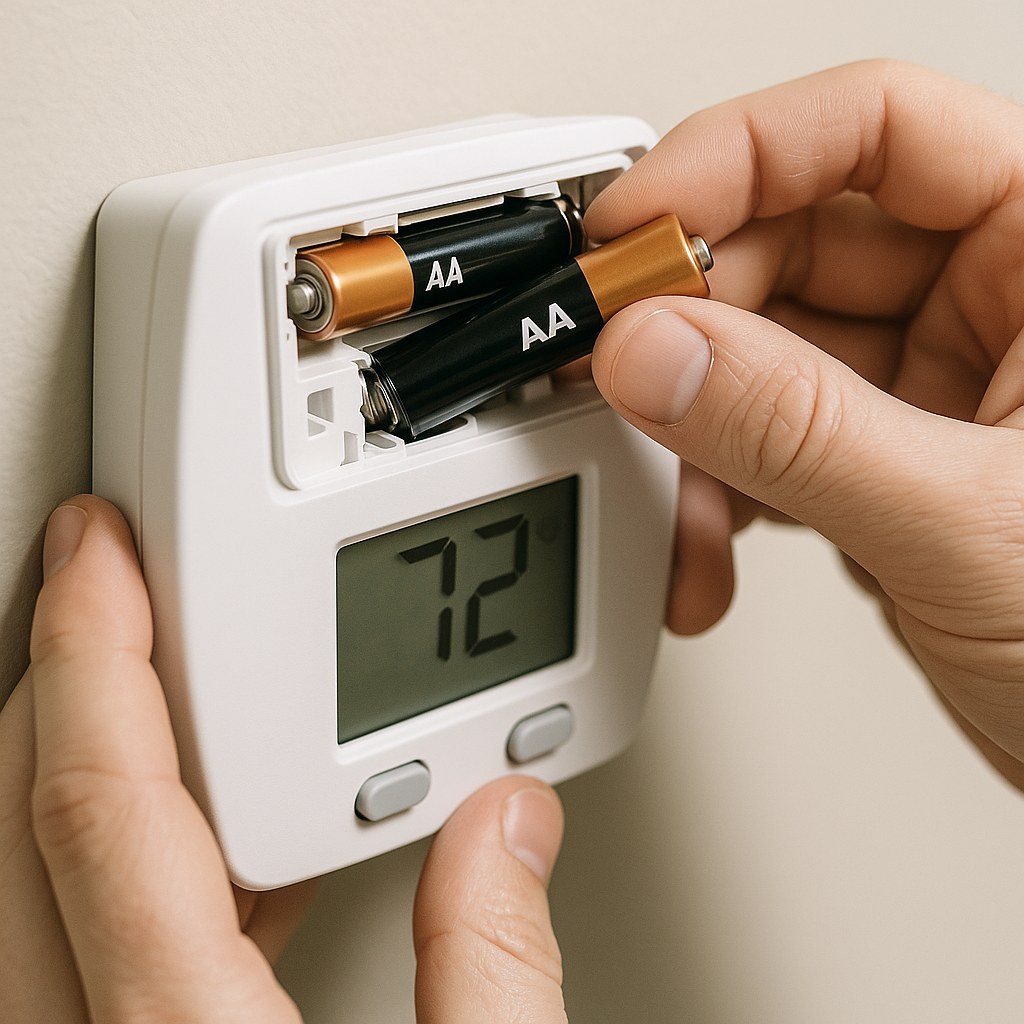
Step 3: Replace the Batteries
For digital, non-hardwired thermostats, low batteries can cause all sorts of strange behavior. The display might work, but the internal components may not have enough power to function correctly, leading to a signal that keeps your HVAC system stuck in the "on" position.
How to Fix It:
- Look for a low-battery indicator on the display. Even if you don't see one, it's worth a try if the batteries haven't been changed in a year or more.
- Pull the thermostat's body or faceplate off the wall mount.
- Remove the old batteries (usually AA or AAA).
- Insert a fresh set of high-quality batteries, making sure they are oriented correctly.
- Snap the faceplate back on. The thermostat will take a moment to reboot.
- Wait another five minutes. Often, this simple refresh is all it needs to start behaving normally again.
Step 4: Check for a "Hold" or Schedule Override
Modern programmable and smart thermostats are designed for convenience, but sometimes a setting can be accidentally activated. A "Hold" function will maintain a specific temperature indefinitely, overriding any schedule you have programmed. If someone in your house turned the temperature way down or way up and put it on hold, the system will run continuously trying to maintain that setting.
How to Fix It:
- Look at the thermostat's screen for words like "Hold," "Permanent Hold," or "Temporary Hold."
- If you see one, press the "Cancel," "Run," or "Schedule" button to return to your normal programming.
- Review your schedule to make sure there isn't a setting that's causing the issue (e.g., a very low cooling setpoint overnight).
- Once you've cleared the hold, the system should shut off once it reaches the next scheduled temperature.
Step 5: Inspect the Thermostat Wiring (Safety First!)
If you've tried everything else, the issue might be with the low-voltage wires connecting the thermostat to the HVAC unit. This is a bit more advanced, but it's a straightforward check if you're comfortable with it.
IMPORTANT: Before you touch any wires, you must turn off the power to your HVAC system. You can do this at the furnace switch (it looks like a light switch on or near the unit) or at your home's main breaker panel.
How to Fix It:
- Turn Off the Power. We can't stress this enough. Safety is the priority.
- Remove the Faceplate: Once the power is off, remove the thermostat's faceplate to expose the wiring terminal.
- Look for Problems:
- Loose Wires: Gently tug on each of the small, colored wires. Is one loose or disconnected from its screw terminal?
- Touching Wires: Are any of the bare copper ends of two different wires touching each other? This can create a short circuit that tells the system to run constantly.
- Secure the Wires: If you find a loose wire, use a small flathead screwdriver to loosen the corresponding terminal screw, push the wire securely back into place, and then tighten the screw until it's snug. If wires are touching, carefully separate them and ensure they are properly seated in their terminals.
- Reassemble and Power On: Snap the faceplate back on, then go turn the power back on at the switch or breaker. Wait a few minutes to see if the system now turns off properly.

When Is It Time to Call a Professional?
You've gone through all the steps, and that stubborn system is still running. At this point, the problem likely lies beyond the thermostat. It could be an issue with the HVAC unit's control board, a faulty relay, or another internal component.
Hiring a licensed HVAC technician is the right next step. According to Forbes Home, a diagnostic service call typically costs between $75 and $200. While it's an expense, it's far better than letting a minor electrical issue turn into a major system failure.
Take Control of Your Home Comfort
Dealing with a misbehaving HVAC system can be frustrating, but as you've seen, the fix is often within your reach. By methodically checking your thermostat, you can solve the most common causes of a constantly running system and save yourself from a costly repair bill and a sky-high utility statement.
Want to make home maintenance even easier? Download the Casa app today! Casa provides you with step-by-step guides for hundreds of DIY repairs, sends you timely maintenance reminders, and connects you with trusted, vetted professionals when you need a helping hand. Take the guesswork out of homeownership and keep your home running smoothly with Casa.