

Feb 18, 2026
Why Your Dishwasher Won't Start (And How to Fix It)
Is your dishwasher silent and dark? Don't panic. From child locks to tripped breakers, here is a simple checklist to get your appliance running again without calling a pro.
There are few moments in a busy week more frustrating than loading a full dishwasher, pressing "Start," and getting... absolutely nothing. No lights, no hum, no water.
Looking for more guidance? Take a look at our Repairs overview.
It’s easy to immediately assume the appliance is broken and start worrying about the cost of a replacement. But here is the good news: a dishwasher that won't start is often due to a safety feature or a minor power interruption, not a catastrophic motor failure.
Modern dishwashers are designed with sensors to prevent them from running if conditions aren't perfect—like if the door isn't latched tight or a child safety lock is engaged.
This guide will walk you through the most common, easy-to-fix reasons your dishwasher is refusing to cooperate. We will start with the simplest checks and move toward the more complex ones, helping you save a service call fee.
![Dishwasher control panel]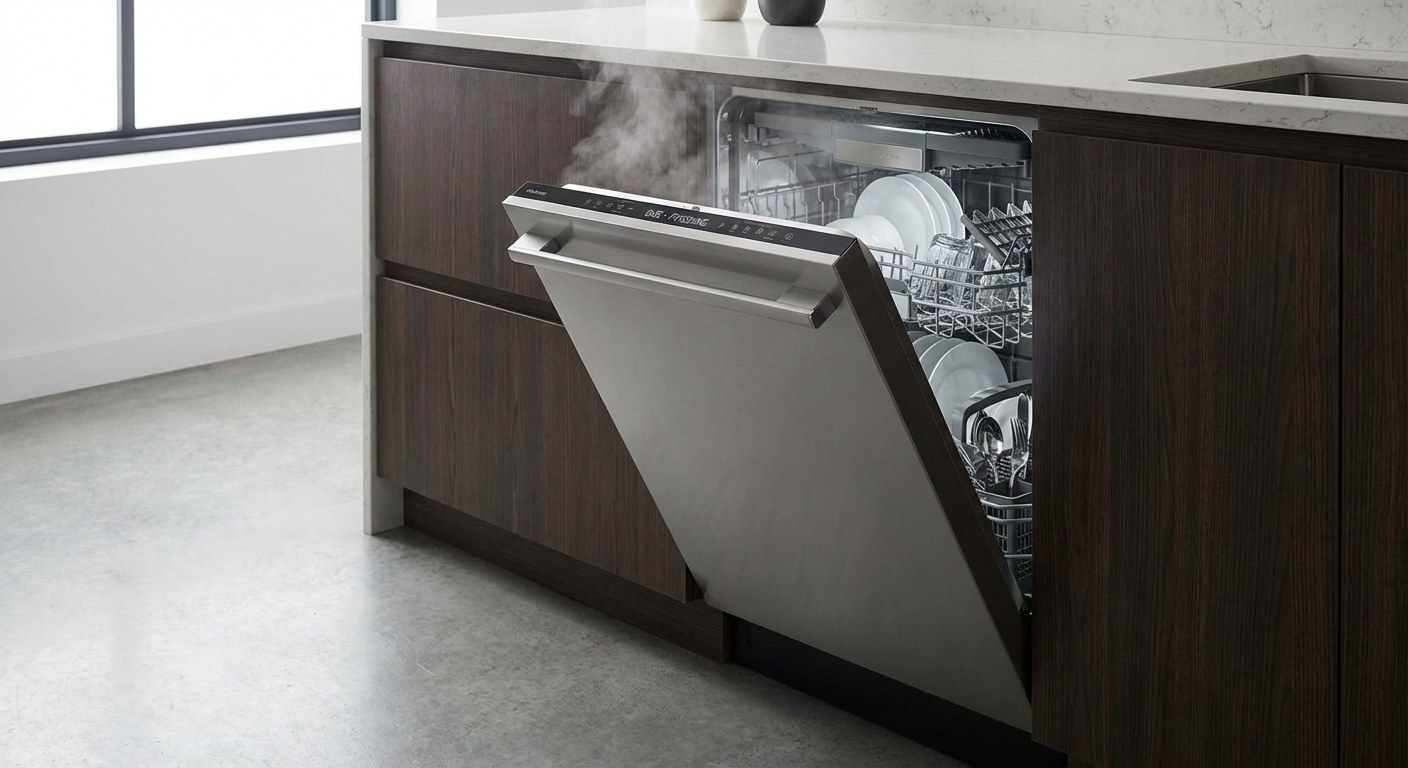
Common Symptoms
Before we start troubleshooting, check if any of these sound familiar:
- The control panel is completely dark.
- The panel lights work, but the machine beeps and won't run.
- A padlock icon or "CL" code is illuminated.
- The door doesn't make that satisfying "click" when you close it.
Is It Safe to DIY?
Yes, troubleshooting a non-starting dishwasher is generally very safe. Most of the steps involve checking buttons, latches, and plugs.
When to stop: If you find yourself needing to expose bare wires, or if you smell burning plastic or see sparks, stop immediately. Those are signs of electrical hazards that require a professional.
Step-by-Step Diagnosis
Let’s go through this systematically. We'll start with the control panel and work our way to the power source.
Step 1: Check the Control Panel Power
First, simply verify if the machine has any brain activity at all. Stand in front of the dishwasher and press a few buttons.
- If lights turn on or numbers appear: The machine has power. Your issue is likely a setting (like a lock) or a mechanical sensor (like the door latch). Move to Step 2.
- If the panel stays dark: The machine isn't getting electricity. Skip to Step 4 to check the power supply.
Step 2: Check for Child Lock
This is one of the most common reasons for a "broken" dishwasher. Manufacturers include a "Control Lock" or "Child Lock" to prevent accidental starts (or stops) by curious toddlers.
- Look for the icon: Scan your control panel for a small padlock symbol or a light labeled "Child Lock" or "Control Lock."
- Is it lit? If that light is on, the buttons are deactivated.
- How to disable it: Usually, you need to press and hold a specific button (or a combination of two buttons connected by a line) for 3 seconds. The label on the dishwasher usually indicates which buttons these are.
- Try starting it: Once the light is off, press and hold the Start button firmly for 3 seconds. If it starts, you’re done!
Step 3: Inspect the Door Latch
A dishwasher will not run—under any circumstances—if it thinks the door is open. The latch switch is the safety mechanism that tells the brain, "It is safe to fill with water now."
-
The "Click" Test: Open the door and close it again. Do you hear or feel a solid, firm click?
- If YES: The mechanical latch is engaging. If it still won't start, check the display for error codes (flashing letters or numbers). If you see a code, write it down—you may need to give this to a pro.
- If NO: The latch might be jammed or dirty.
-
Clean the Latch:
- Safety first: Unplug the dishwasher (usually under the sink) before cleaning the latch area to avoid accidental starts.
- Inspect: Look at the latch on the door and the "strike plate" (the hole it goes into) on the tub.
- Clean: Use a damp cloth to wipe away any hardened food, soap scum, or debris that might be preventing a clean closure.
- Retest: Plug it back in and try closing the door again. If it clicks now, try starting a cycle.
If the door still bounces back or refuses to latch securely, the mechanism itself may be broken and require replacement.
Step 4: Check the Power Supply
If your control panel was completely dark in Step 1, we need to find out why the electricity isn't reaching the appliance.
-
Check the Outlet:
- Most dishwasher cords plug into an outlet located in the cabinet under your kitchen sink.
- Open the cabinet and ensure the cord is firmly plugged in. Sometimes, items stored under the sink can bump the plug loose.
- Test the outlet: Unplug the dishwasher and plug in a small appliance, like a lamp or a blender. If the lamp works, the outlet is fine, and the issue is likely inside the dishwasher (time to call a pro). If the lamp doesn't work, the issue is your home's power.
-
Check the Circuit Breaker:
- Go to your home’s electrical panel (breaker box).
- Find the switch labeled "Dishwasher" or "Kitchen."
- Is it tripped? If the switch is in the middle position (neither ON nor OFF) or fully OFF, it has tripped.
- Reset it: Flip it firmly to OFF, then back to ON.
- Return to the kitchen. If the dishwasher lights are back on, you’ve solved it.
(Note: If the breaker trips again immediately when you try to run the dishwasher, do not force it. This indicates a deeper electrical short. Call a pro.)
Time and Cost Expectations
If you can fix this yourself, it usually costs nothing but a few minutes of troubleshooting. However, if these steps don't work, here is what you might expect for repairs:
- DIY Fixes (Cleaning/Resetting): $0 / 10–20 minutes.
- Door Latch Replacement: Parts are typically $20–$50; you can often do this yourself if you are handy.
- Professional Repair (Control Board/Thermal Fuse): $150–$400. This includes the service call fee and parts.
- Time: A technician can usually fix these issues in under an hour, though ordering parts may take a few days.
![Checking the breaker box]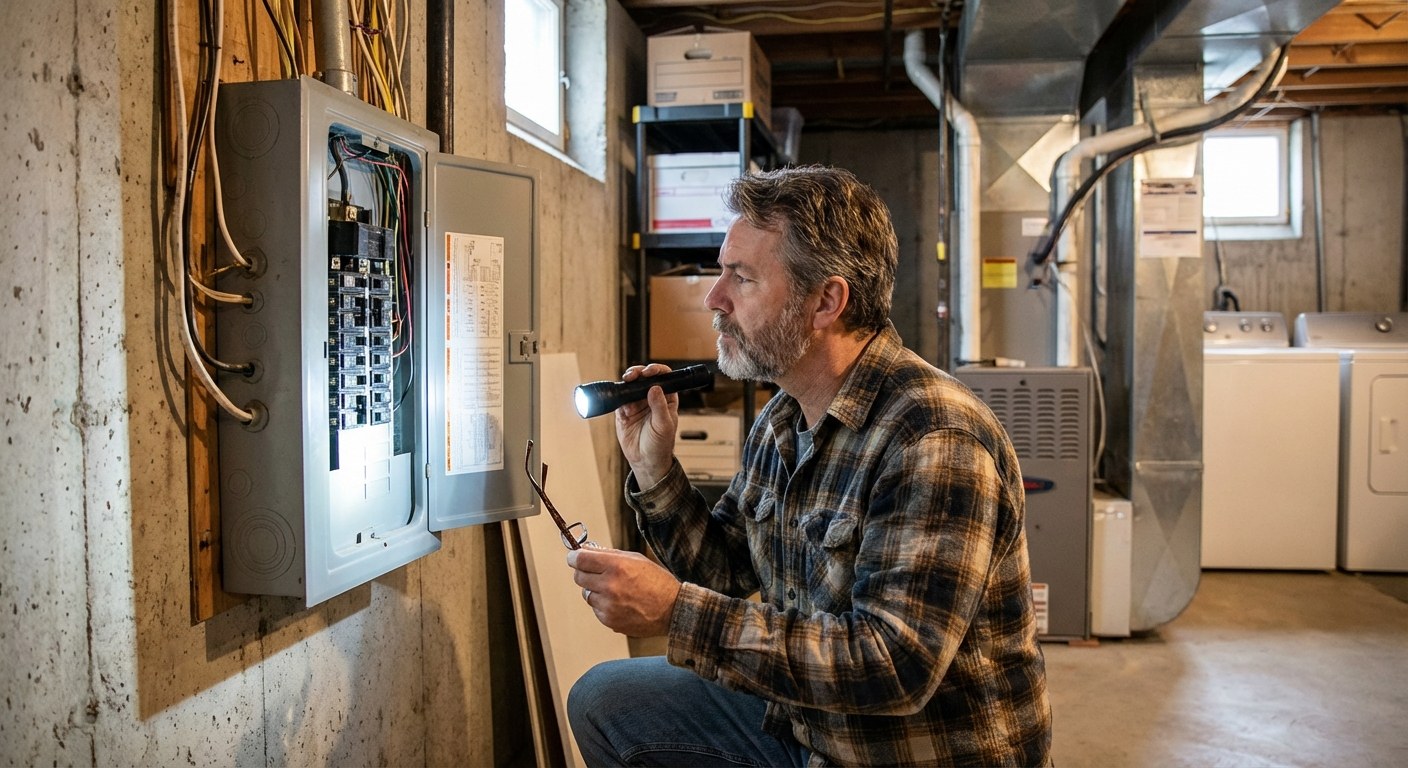
When to Call a Professional
You have checked the child lock, verified the power, cleaned the latch, and the dishwasher still won't start. It is time to call for help if:
- The outlet works (lamp test passed), but the dishwasher is dead. This often points to a blown thermal fuse or a bad control board.
- The door latch is physically broken or loose and you aren't comfortable unscrewing the door panel to replace it.
- You see a specific error code flashing that indicates a motor or sensor failure.
Summary
A non-starting dishwasher is often a simple miscommunication—a loose plug, a safety lock, or a tripped breaker. By methodically checking these basics, you can often get back to washing dishes (mechanically, not by hand!) without spending a dime.
Tracking the maintenance history of your appliances helps you spot patterns—like if that breaker trips frequently. Download the Casa app to keep a simple log of your home’s systems, manuals, and repair history so you are always prepared when things go wrong.
Whether it was a simple child lock button or a quick breaker reset, hopefully, your kitchen is humming along again soon.