

Updated Nov 23, 2026
How to Fix a Washing Machine That Won't Turn On
Work through the lock, lid, plug, outlet, and breaker when a washer won't turn on or start, reset it once, and know when to call a technician.
A washer that won't turn on is usually locked, waiting for its lid to close, or not getting power. Look at the control panel first. If any light is on, check the lock, delay, and latch. If it is completely dark, check the plug, the GFCI outlet, and the breaker.
Looking for more guidance? Take a look at our Repairs overview.
Then try one reset. If that doesn't work, a switch, control, or wire inside the washer has failed, and it needs a technician.
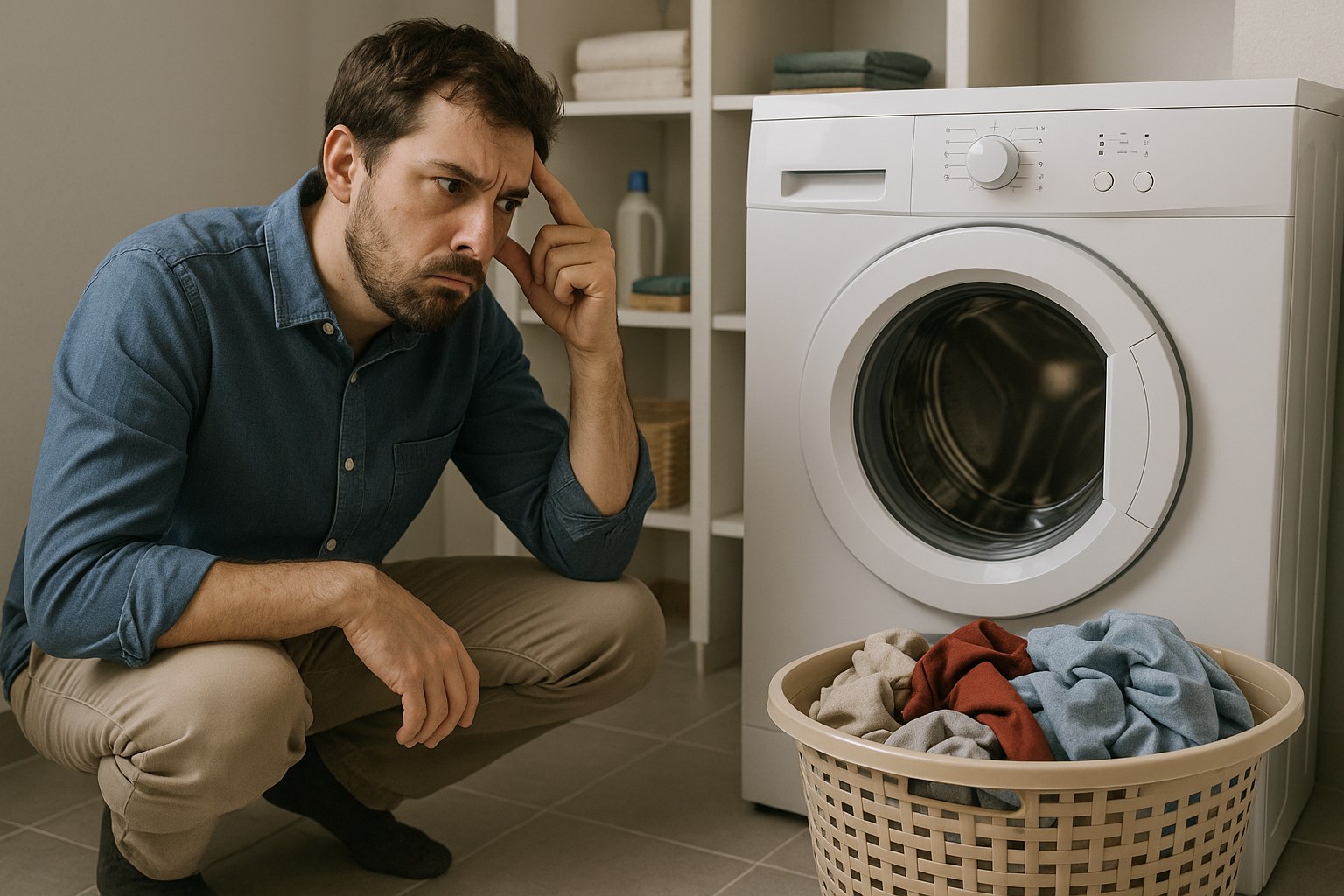
Why Won't My Washing Machine Turn On? The Common Culprits
- No power: A loose plug, a tripped breaker or GFCI outlet, or a failed outlet.
- Control Lock is on: Many washers have a "Child Lock" or "Control Lock" that disables the buttons.
- The lid or door isn't latched: Most washers won't start until it is.
- A control that needs a reset, often after a power cut.
- A failed part. A lid lock, control board, power switch, or wire inside the machine.
| What the washer does | Likely cause | Start with |
|---|---|---|
| Completely dark | Plug, outlet, GFCI, breaker | The outlet test |
| Dark after a storm or power cut | Tripped breaker, stuck control, surge damage | Breaker, then one reset |
| Lights on, buttons do nothing | Control Lock or Child Lock | The lock button |
| Lights on, clicks, then stops | Lid or door not locking | The latch |
| Shows a time but waits | Delay Start, or paused | Cancel and restart |
| Starts, then goes dead mid-cycle | Loose plug, overheating, failing control | Plug, then call |
| Trips the breaker when it starts | Fault in the washer or circuit | Leave it off, call |
| Hums but does not turn | Jammed or failed motor or pump | Turn it off, call |
Step-by-Step Guide to Fixing a Washing Machine That Won't Turn On
Step 1: The Initial Power-On Test
Press the power button once and watch the panel.
- You see a light or hear a beep or click: The washer has power. Go to Troubleshooting a Washer with Lights On But No Action.
- Nothing at all: Go to What to Do When Your Washing Machine Has No Power. Check for a lock light first. Whirlpool says a locked control won't operate at all, and the only sign may be a small padlock.
Troubleshooting a Washer with Lights On But No Action
If your washer’s display is lit up but it won’t start a cycle, it’s often locked or thinks the door isn’t properly closed.
Check for a Control Lock or Delay Start Feature
- Look at the control panel for a key, a padlock, or the words "Control Lock" or "Child Lock."
- Disable the lock: Whirlpool says to hold the Control Lock button for 3 seconds. Other brands use a different button or two at once. Your manual will show which.
- Check for Delay Start: If it is on, press "Cancel" or "Power" to clear it.
- Press Start the right way: Some washers want the Start button held for a few seconds rather than tapped.
- Try again once the lock icon disappears.
- Look up any code on the display in the manual. Write it down before you clear it.
A store or demo mode can also light the panel without running anything. The manual shows how to leave it.
Inspect the Door or Lid Latch
- Open the door or lid all the way.
- Clean the latch area: Remove any clothing caught in it and wipe off detergent with a soft cloth, warm water, and mild soap. Dry it. Keep fingers and tools out of the lock opening.
- Close it firmly until you hear a click.
- Press Start again. Many washers click and test the lid lock before they begin.
- Take out a bulky load. A comforter or an overfull drum can push a front-load door so it does not seat.
If the door is locked shut instead, wait. Samsung says a paused washer can stay locked for a minute after it has taken in water, and a top loader that lost power mid-cycle can take up to 5 minutes to unlock. A front loader stays locked while there is water inside. Don't force it.
If an LG shows dE, the door could not lock. LG says to look for clothing caught at the door, a loose hinge, or a worn latch, then reset it once. If the code returns, it needs service.
If the latch is cracked or never clicks, the lock has failed. Don't tape or bypass it. It is there to keep hands out of a spinning drum. A technician can replace it.
What to Do When Your Washing Machine Has No Power
If there are no lights and no sounds, find out whether power is reaching the machine. Make sure the floor and your hands are dry.
Check the Circuit Breaker
- Press "Reset" on any GFCI outlet in the laundry area, garage, or nearby bathroom. One GFCI outlet can control others.
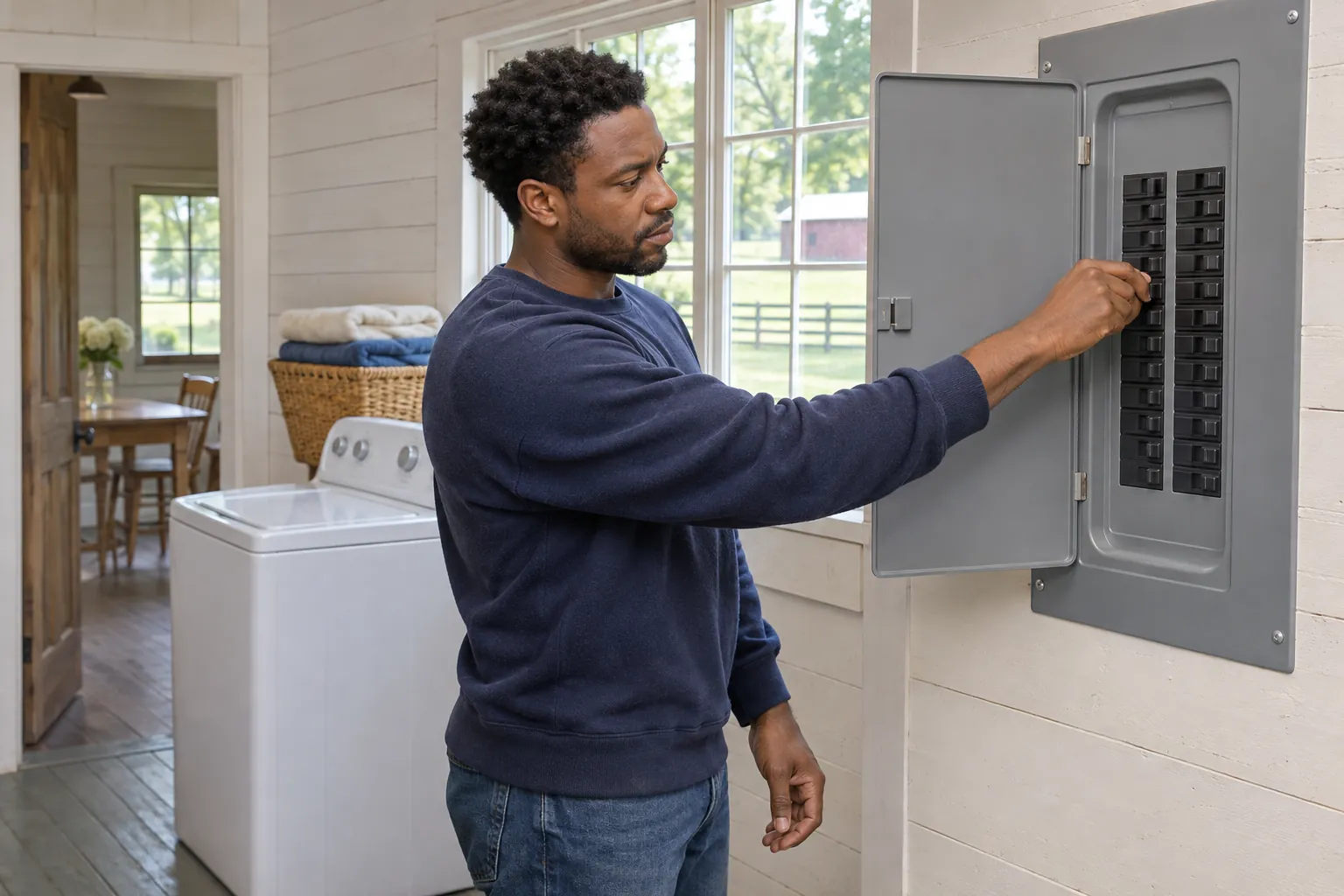
- Find your electrical panel and open the door only. Never remove the metal cover behind it.
- Find the breaker labeled "Washer," "Laundry," or "Utility." A tripped breaker sits between ON and OFF.
- Reset it once: Push it fully to OFF, then to ON. In an older fuse box, look for a blown fuse and have an electrician replace it.
- Test the washer.
If it trips again, leave it off. Whirlpool's advice is to call an electrician if the problem continues. To help the electrician, unplug the washer before the next visit. GE says that if the breaker trips right away with the appliance unplugged, the fault is typically in the house wiring.
Inspect the Power Cord and Outlet
- Get to the plug: If you can't reach it, ease the washer forward just enough. Watch the water hoses, and get help if it is heavy or stacked.
- Look first: If the plug, outlet, or cord is hot, scorched, cut, or wet, don't touch it. Turn off the breaker and call for service.
- Unplug it by the plug, not the cord.
- Test the outlet with a lamp or phone charger. If it doesn't work, call an electrician.
- Plug the washer straight into the wall. The U.S. Fire Administration says never to use an extension cord with a major appliance.
- Take any smart plug or timer out of the line, and check whether a wall switch controls that outlet.
- Try the power button again.
If you have a stacked laundry center, the washer and dryer may share one cord and one double breaker. If the dryer is dead too, start at the breaker. With a gas dryer, both may share a regular outlet.
A damaged cord needs a technician. Don't tape it.
The Final DIY Fix: A Hard Reset
If the outlet works and the washer is still dead or stuck, restart its control once.
- Unplug the machine, or turn off its breaker if it has no plug.
- Wait 5 minutes. That is Whirlpool's reset time.
- Plug it back in.
- Press the power button.
If it starts and later goes dead again, don't keep resetting it. Something is failing.

When It's Time to Call a Professional
Call an appliance technician if the outlet works, the lock is off, the latch clicks, and one reset didn't help. The likely causes are a failed control, lid or door lock, or wiring inside the machine. Don't open the cabinet to look.
Call an electrician instead if the outlet is dead after one reset, the breaker keeps tripping with the washer unplugged, or the outlet is warm or scorched.
The technician checks for power at the machine, tests the lid lock and the main switch, reads any stored error codes, and then checks the control board and wiring. A lid lock is usually a quick swap. A control board may need to be ordered, so ask whether it takes a second visit.
Give them the model number and say exactly what the panel does. Then ask:
- What does the diagnosis cost, and does it come off the repair?
- What do the part and labor come to?
- How did you confirm it is that part?
Check the warranty, and compare the total with a replacement if the washer is old. A lid lock or cord on a machine that otherwise runs well is usually worth fixing. A control board on an old washer that also leaks or bangs often is not. If you rent, report it before you book anyone, since the machine or the outlet may be the landlord's. Thumbtack puts the national average for washing machine repair at $128 to $324.
Keep It From Happening Again
- Wipe the latch and door seal when you clean the washer.
- Don't overload it, and shut the door without slamming it.
- Unplug it before a bad storm.
- Press the test button on the laundry GFCI once a month, then reset it.