
Updated Nov 23, 2026
How to Fix Dryer Controls That Are Not Working
Check the lock, start button, door, moisture, and power when dryer controls won't respond, reset once, and know when the control has failed.
Dryer controls that don't respond are often locked, wet, or waiting for the door to latch. Check those first. If the panel is dark, check the plug and the breaker, then reset the dryer once.
Looking for more guidance? Take a look at our Repairs overview.
If the panel is still dead on a working circuit, or only some buttons work, the control, a fuse, or wiring inside has failed. That is a technician's job.
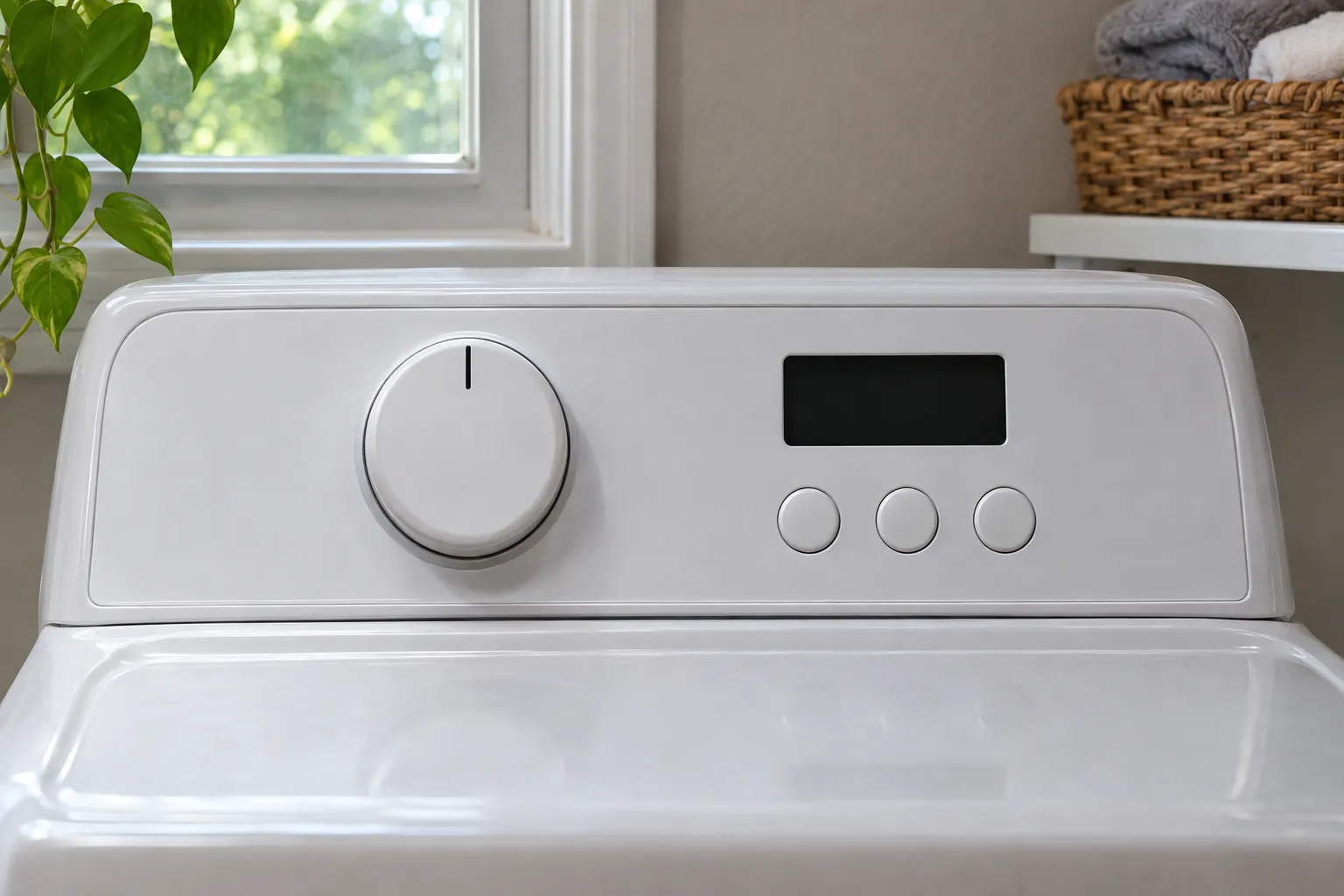
Common Reasons Your Dryer Controls Aren't Working
- No power: A tripped breaker or a loose plug.
- Child Lock is on.
- The door isn't latched, or Start wasn't held long enough.
- Moisture on a touch panel.
- An error code: The dryer has found a fault and stopped.
- A control that needs a reset after a power cut.
Step-by-Step Guide to Fixing Unresponsive Dryer Controls
We'll start with the easiest and most common solutions first and work our way to more involved troubleshooting.
Step 1: Verify Your Dryer Has Power
- Look at the plug. If you can reach it without moving the dryer, make sure it is fully in. Stop if it is hot, loose, or scorched. Don't drag out a gas dryer. Its connector can be damaged.
- Gas dryer only: The plug is a standard one, so you can test that outlet with a lamp.
- Electric dryer: Its outlet is 240 volts and a lamp won't fit. Don't put a tester in it. Go to the breaker.
- Reset the breaker once. Open the panel door only. Look for "Dryer." An electric dryer uses a double breaker, or two breakers, and one half can trip on its own. Push it fully to "OFF," then "ON."
- Check for lights on the panel and in the drum.
If the breaker trips again, or the dryer is still dead, leave it off. Whirlpool says to call an electrician if the problem continues. Use a wall outlet, never an extension cord.
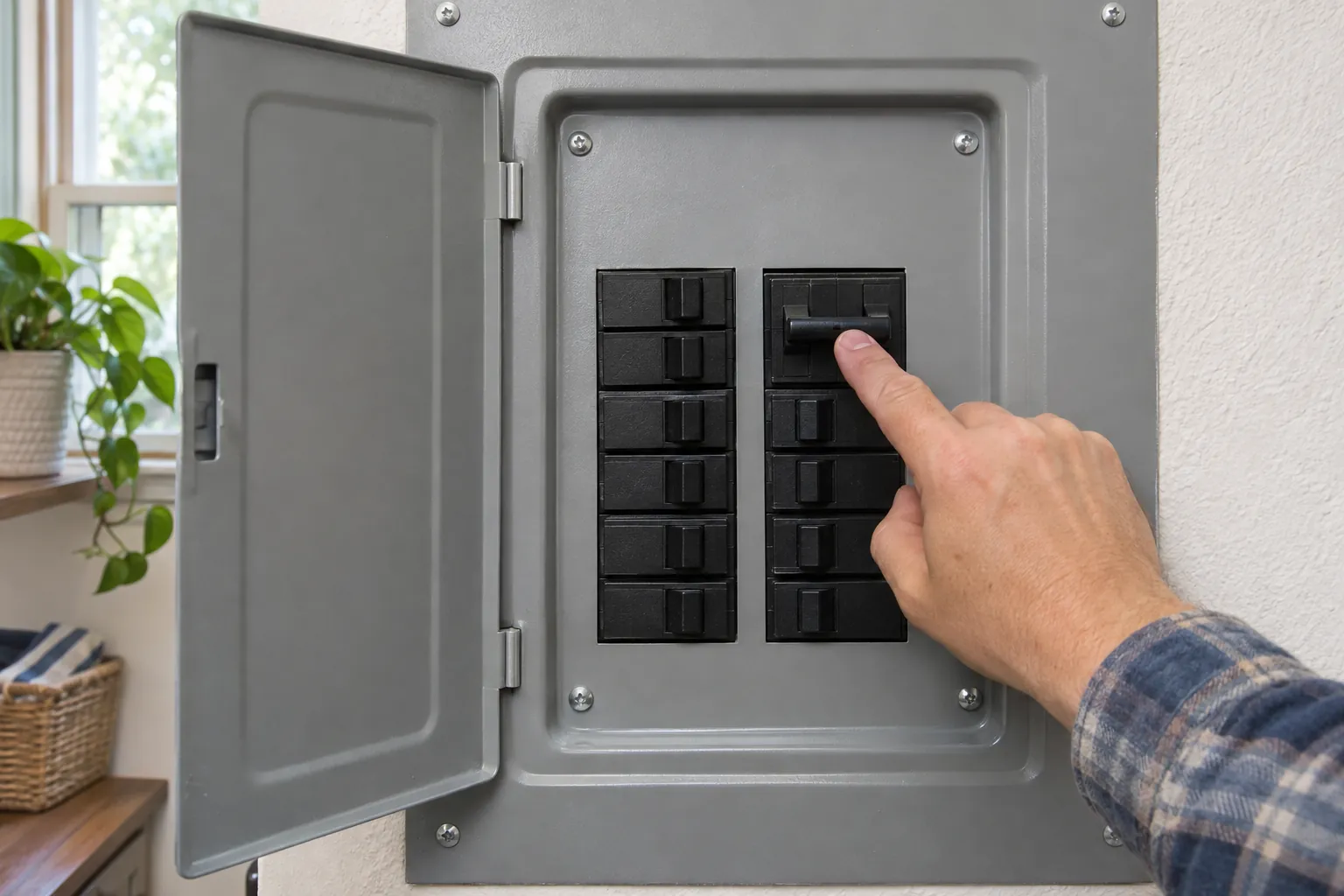
Step 2: Is the Control Lock or Child Lock On?
- Look for the lock light, a padlock, or the words "Control Lock" or "Child Lock."
- Find the button. The panel often says "Hold 3 Sec to Lock."
- Press and hold it. On most Whirlpool models it is Cycle Signal for 3 seconds. Others differ, so check your manual.
If the controls now respond but the dryer won't run:
- Push the door closed until it latches. Some models have an upper and a lower latch.
- Hold Start for 2 to 5 seconds. A tap may not be enough.
- Check the cycle. Some models won't start on Wrinkle Reduction.
Step 3: Check for and Clear Any Error Codes
Modern dryers use digital displays to communicate when something is wrong. If you see a code, the dryer has found a problem, such as a blocked vent or a faulty sensor, and may stop until it is fixed.
How to Handle an Error Code:
- Write Down the Code: Note the exact code displayed on the screen.
- Consult Your User Manual: Grab your dryer's user manual (if you can't find it, a quick search for your dryer's model number online will bring up a digital copy). Look for the "Troubleshooting" or "Error Codes" section.
- Follow the Manual's Instructions: The manual will tell you what the code means and what steps to take. It might be as simple as cleaning the lint filter or clearing the outside vent hood. Leave any step that involves removing a panel to a technician.
- Perform a Reset: After addressing the issue, the manual may tell you to unplug the dryer for a minute and plug it back in. If the code returns, stop using the dryer and call for service.
Step 4: Try a Soft Reset of the Electronics
- Unplug the dryer if you can reach the plug easily. If not, turn off its breaker.
- Wait at least 60 seconds.
- Restore power.
- Press the power button.
Try this once. If the panel comes back and then dies again, the control is failing.
Step 5: Clean and Dry the Control Panel
Touch panels don't respond well when they or your hands are damp.
- Disconnect power.
- Wipe the panel with a clean, dry cloth. Dry your hands.
- Clean grimy knobs: Pull them straight off, wash them in warm, soapy water, and wipe the shaft with a barely damp cloth. Don't spray anything on the panel, and don't use a hair dryer or other heat on it.
- Let everything air dry, for a day if water got into the panel.
- Restore power and try again with a fingertip, not a fingernail.
When to Call a Professional Appliance Technician
Call an appliance technician if the circuit works but the panel is dead, some buttons don't respond, or a code returns. A thermal fuse, control, door switch, or wire may have failed. Don't bypass a fuse or switch to get the dryer running. A thermal fuse blows because the dryer overheated, usually from a blocked vent, so ask them to check the airflow too.
Call an electrician for a breaker that trips again or a damaged outlet.
Ask for the diagnosis fee, the part price, and the labor together. A control board is one of the more expensive parts, so compare the total with a replacement dryer before you approve it. Thumbtack puts the national average for dryer repair at $127 to $324.