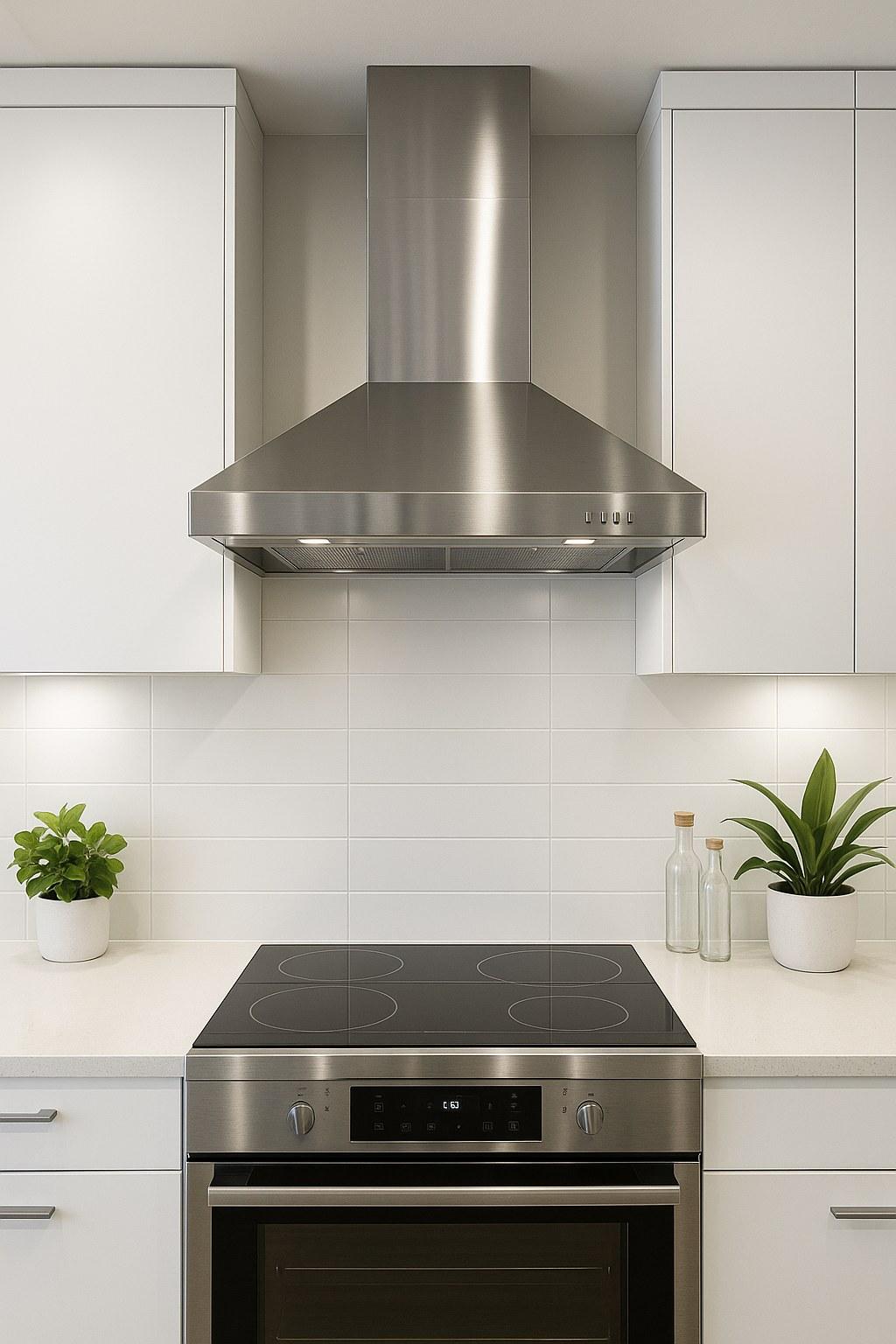
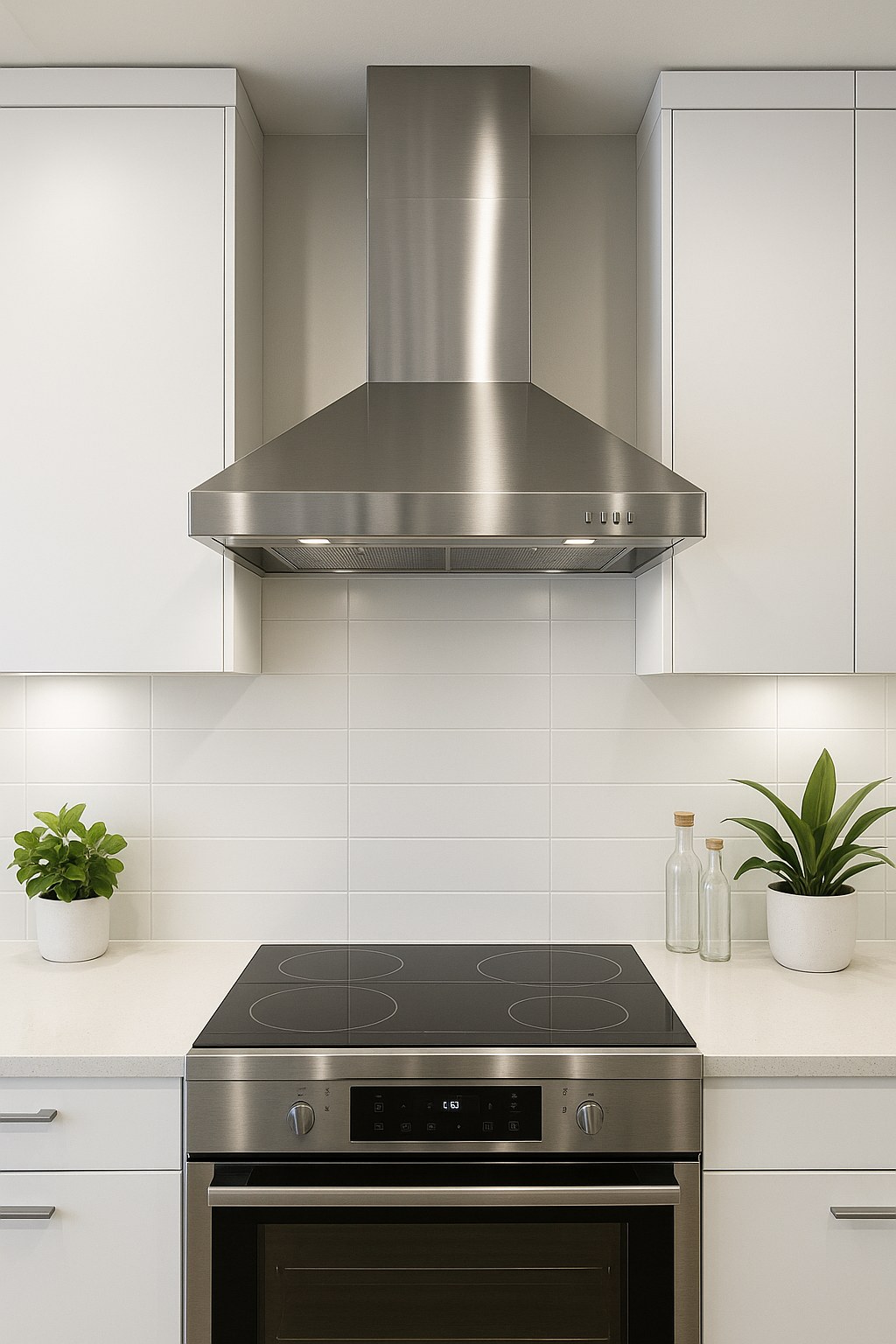
A range hood is your kitchen’s unsung hero. It plays a crucial role in maintaining good air quality by whisking away smoke, steam, airborne grease, and cooking odors. When it stops working, it’s not just an inconvenience—it can affect the air you breathe.
The good news is that this is often a problem you can solve yourself without needing to call in a professional. Most of the time, the culprit is a simple issue like a tripped breaker, a clogged filter, or a stuck button. In this guide, I’ll walk you through the troubleshooting process step-by-step, just as if I were on the phone with you. Let’s get that fan moving and clear the air!
Why Did My Range Hood Fan Stop Working?
Before we dive into the fixes, it helps to understand what might be going on. Here are the most common reasons your stove’s vent fan won't turn on:
- No Power: The simplest explanation is often the right one. The unit may not be receiving electrical power due to a tripped circuit breaker or a faulty outlet.
- Dirty Grease Filters: Filters clogged with grease and grime can sometimes restrict the fan blades or even trigger a safety switch that prevents the motor from running.
- Faulty Controls: The buttons, knobs, or touch panel that you use to operate the fan might be worn out, stuck, or have a loose connection.
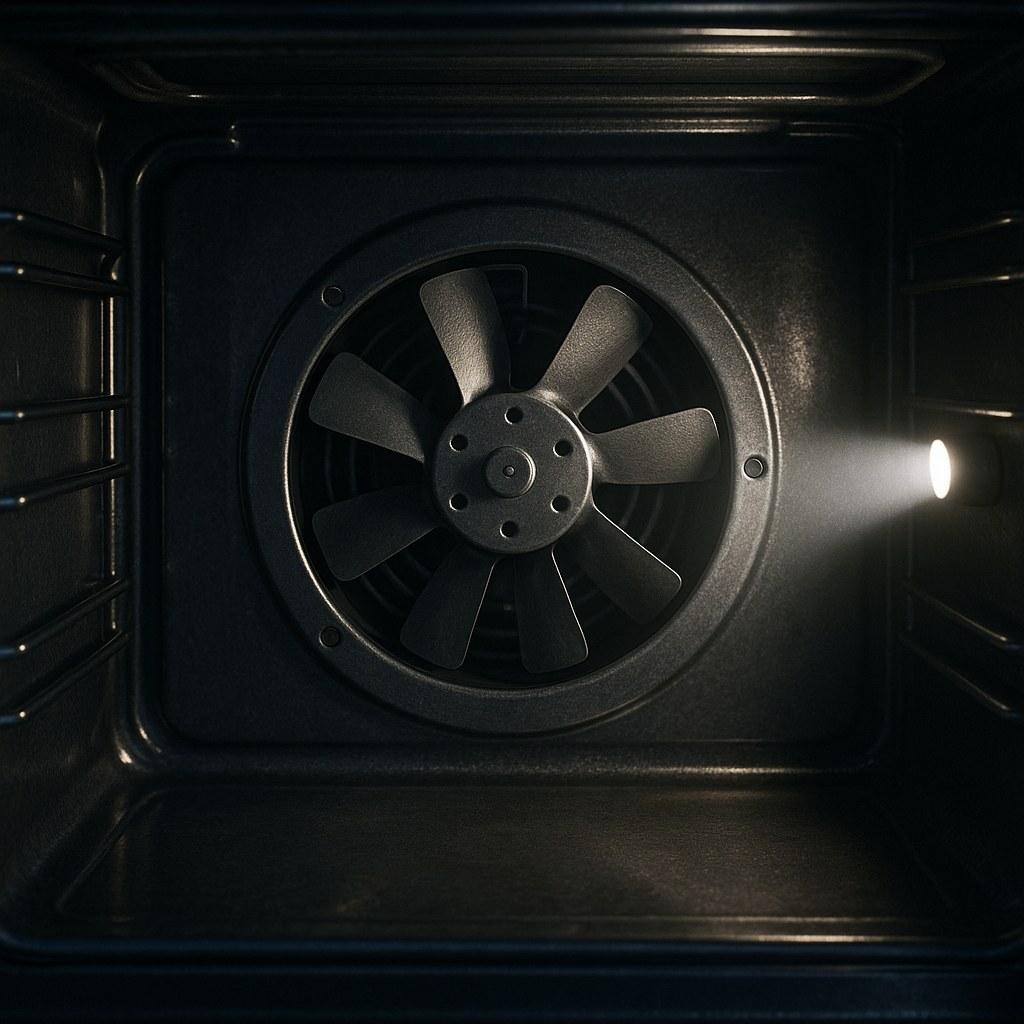
- A Bad Motor: While less common, the fan motor itself could have burned out and may need to be replaced.
Now, let's figure out which one is causing your headache and get it fixed.
Step-by-Step Guide to Fixing Your Range Hood Fan
We'll start with the easiest and most common solutions first. Grab a flashlight, and let's get started.
Step 1: Initial Assessment – Is There Any Sign of Life?
First, we need to determine if the range hood is getting any power at all. This quick check will tell us whether we have an electrical problem or a mechanical one.
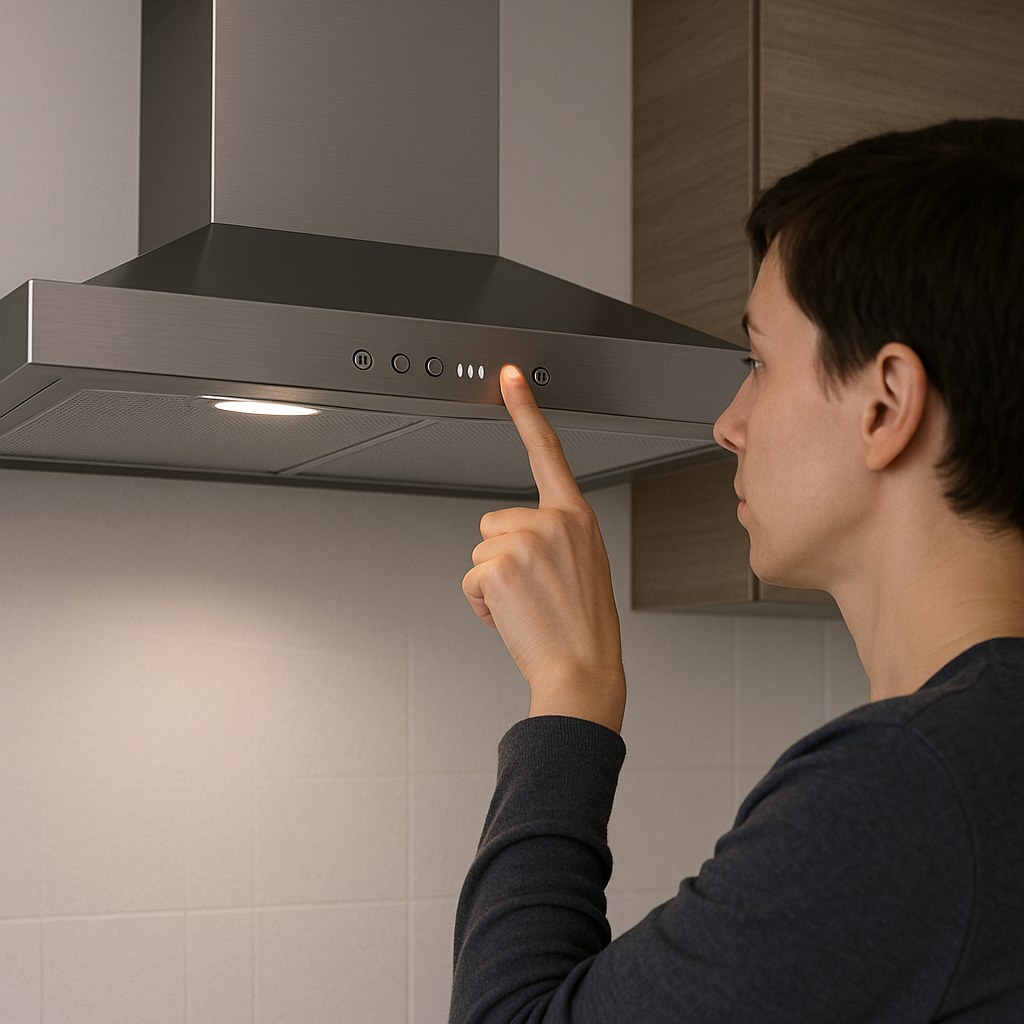
- Locate the Controls: Stand in front of your range hood and find all its controls—buttons or knobs for both the fan and the lights.
- Test the Lights: Try turning the range hood lights on and off. Do they work?
- Test the Control Panel: If you have a digital display, press a few of the fan buttons. Does the display light up, show any numbers, or make a beeping sound?
What do the results mean?
- If the lights turn on or the control panel shows a display: This is great news! It means your range hood is receiving power. The problem is likely with the fan’s controls, its motor, or the filters. You can skip the next section and jump straight to Step 3: Check the Fan Controls.
- If absolutely nothing happens—no lights, no display, no sounds: This strongly suggests a power supply issue. The unit isn't getting the electricity it needs to function. Let's move on to the next step and check the power source.
Step 2: Check the Power Supply
If your range hood is completely dead, don't worry. The fix is often as simple as flipping a switch. We just need to trace the power back to its source.
- Find Your Electrical Panel: Your home’s main electrical panel (or breaker box) is usually located in a utility room, basement, garage, or closet. Use a flashlight if the area is dark.
- Locate the Correct Breaker: Open the panel door. You should see a directory of circuits. Look for a breaker labeled "Range Hood," "Kitchen," "Kitchen Appliances," or something similar.
- Reset the Breaker: Once you find it, flip the breaker switch firmly to the full "OFF" position, and then flip it back to the "ON" position. Sometimes a breaker can look like it's on when it has actually tripped.
- Test the Outlet (If Applicable): Some range hoods are plugged directly into a wall outlet, often hidden in an upper cabinet. If yours is, unplug the range hood and plug something else in that you know works, like a phone charger. If the charger works, the outlet is fine. If it doesn't, the outlet itself may be the issue.
- Use a Voltage Tester (Optional): For a more definitive test, you can use a non-contact voltage tester (a handy, inexpensive tool for any homeowner). Simply hold the tip of the tester near the outlet slots or the power cord. It will beep or light up if voltage is present.
After resetting the breaker and confirming the outlet has power, go back to your range hood and try turning the fan on again. If it springs to life, you’ve solved the problem! If it’s still unresponsive, and you're sure there's no power reaching the unit, it's time to stop and call a licensed electrician. There could be a wiring issue that requires a professional's expertise.
Step 3: Check the Fan Controls
If you confirmed the unit has power (the lights work) but the fan doesn't, the issue could be with the controls themselves.
- Try All Settings: Cycle through all the fan speed settings, from low to high. Sometimes one speed may fail while others still work.
- For physical switches: Push the button or flip the switch for each speed setting.
- For control knobs: Slowly rotate the knob through each position.
- For digital touch panels: Press the fan button multiple times to cycle through the speeds. You can also try resetting the panel by pressing and holding the fan or power button for 3-5 seconds.
- Listen Carefully: As you test the controls, listen for any subtle sounds. A faint hum or click from inside the hood could mean the motor is receiving power but is stuck or blocked.
If one of the speeds starts working, the control switch for the non-working speed may be faulty. If nothing happens, but you heard a hum, the fan is likely being physically obstructed. Let’s check the most common obstruction: the filters.
Step 4: Inspect and Clean the Grease Filters
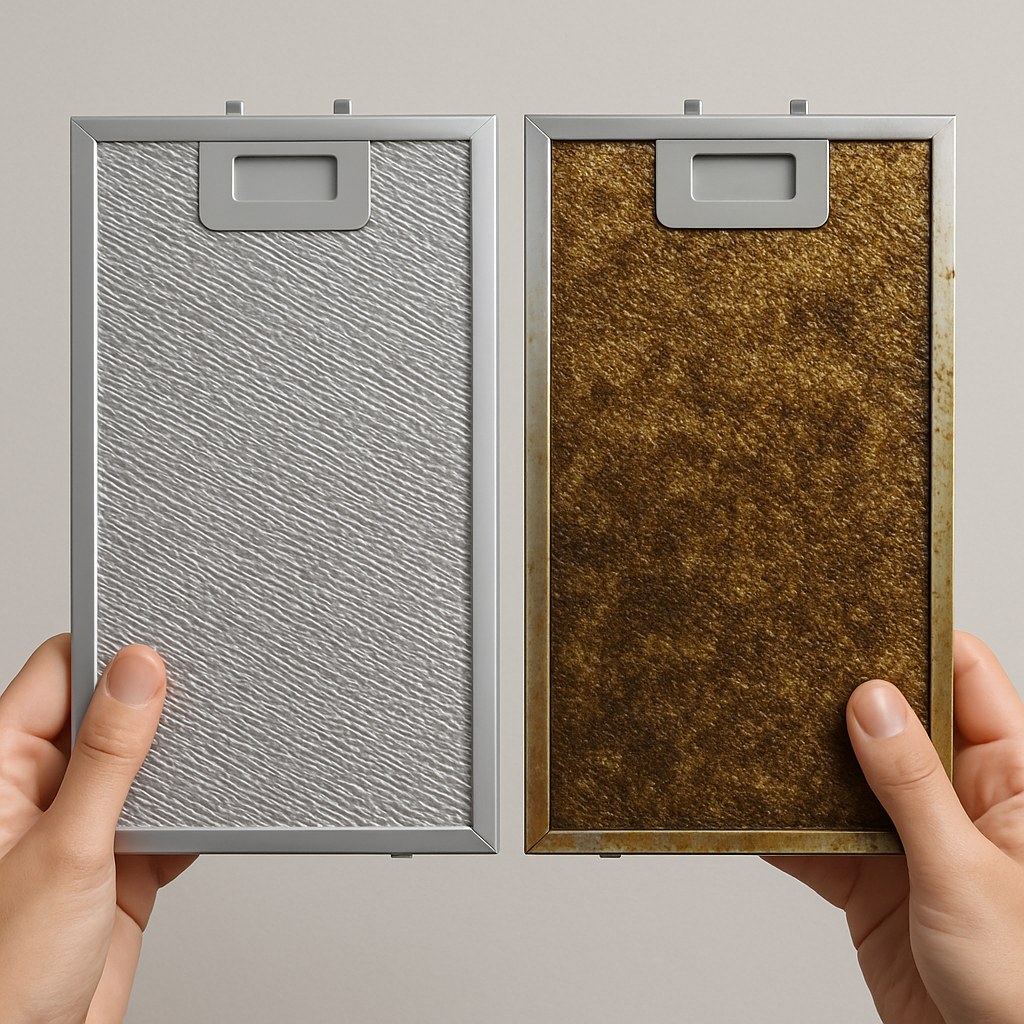
Over time, the metal mesh filters underneath your range hood become saturated with grease. If they get too clogged, they can restrict airflow so much that the fan struggles to spin. Some models even have a safety interlock that stops the fan from running if the filters are improperly seated or extremely dirty.
Safety First: Before you begin, turn off the power to the range hood at the circuit breaker. You don't want the fan to accidentally turn on while your hands are near the blades.
- Remove the Grease Filters: Look for a latch, tab, or knob on each filter. Slide or pull the latch to release it, and the filter should swing down for easy removal. There are usually one or two.
- Inspect and Clean: Look at the filters. Are they coated in a thick, sticky layer of grease? If so, it’s time for a deep clean. Fill your sink with hot water and a generous amount of grease-cutting dish soap. Let the filters soak for 15-20 minutes, then gently scrub them with a non-abrasive sponge or brush. Rinse them thoroughly and let them air dry completely.
- Check the Safety Switch: While the filters are out, look inside the filter slot. You may see a small button or latch. This is a safety microswitch that gets pressed down when the filter is correctly installed. Gently press it with your finger to make sure it moves freely and isn't stuck.
- Reinstall the Filters: Once the filters are completely dry, slide them back into place until they click securely.
- Test the Fan: Turn the power back on at the breaker and try the fan again.
For many, a thorough filter cleaning is all it takes to get the fan running smoothly again.
When It's Time to Call a Professional
You've done an excellent job troubleshooting! If you’ve gone through all the steps above and your fan still isn't working, the problem is likely deeper inside the unit, such as a burnt-out fan motor or a failed electronic control board. At this point, it's best to call in an expert.
- Call an Appliance Repair Technician if: You have power to the unit, the controls and lights work, the filters are clean, but the fan motor won't start (or just hums).
- Call a Licensed Electrician if: You could not restore power at the breaker, or the breaker trips again immediately after you reset it.
According to HomeAdvisor, the typical cost for an appliance repair service call is between $100 and $250, which usually covers the diagnosis. The total repair cost for a range hood can vary depending on the parts needed but is often a more cost-effective option than replacing the entire unit.
Final Thoughts and Your Next Step
Dealing with a broken appliance can be frustrating, but with a logical approach, you can often diagnose and solve the problem yourself. By checking the power, testing the controls, and cleaning the filters, you’ve covered all the most common reasons a range hood fan fails.
Want to feel this confident tackling any project around your home? That’s where we come in. Download the Casa app today! Casa provides you with clear, expert-guided instructions for hundreds of home repairs and maintenance tasks. And if you ever find yourself stuck, we can connect you with trusted, vetted professionals in your area. Take control of your home maintenance with Casa.