

Updated Nov 23, 2026
How to Fix a Washing Machine Timer That Is Not Working
Find out whether a stuck washer timer is a power, water, drain, or lock problem, reset it safely, and know when the timer or control has failed.
When a washer stops mid-cycle, the timer is often not the problem. A lost connection, a closed water tap, a blocked drain, a lid that isn't locked, or a control that needs a reset all look the same from the front: the cycle stops moving.
Looking for more guidance? Take a look at our Repairs overview.
Check those first. They are safe, and you don't need tools. If the dial is jammed, or a digital control still misbehaves after one reset, the timer or control board has probably failed and belongs to an appliance technician.
Do not open the console or the back panel. Water and wiring are close together in a washer, and a control board can hold a charge after it is unplugged.
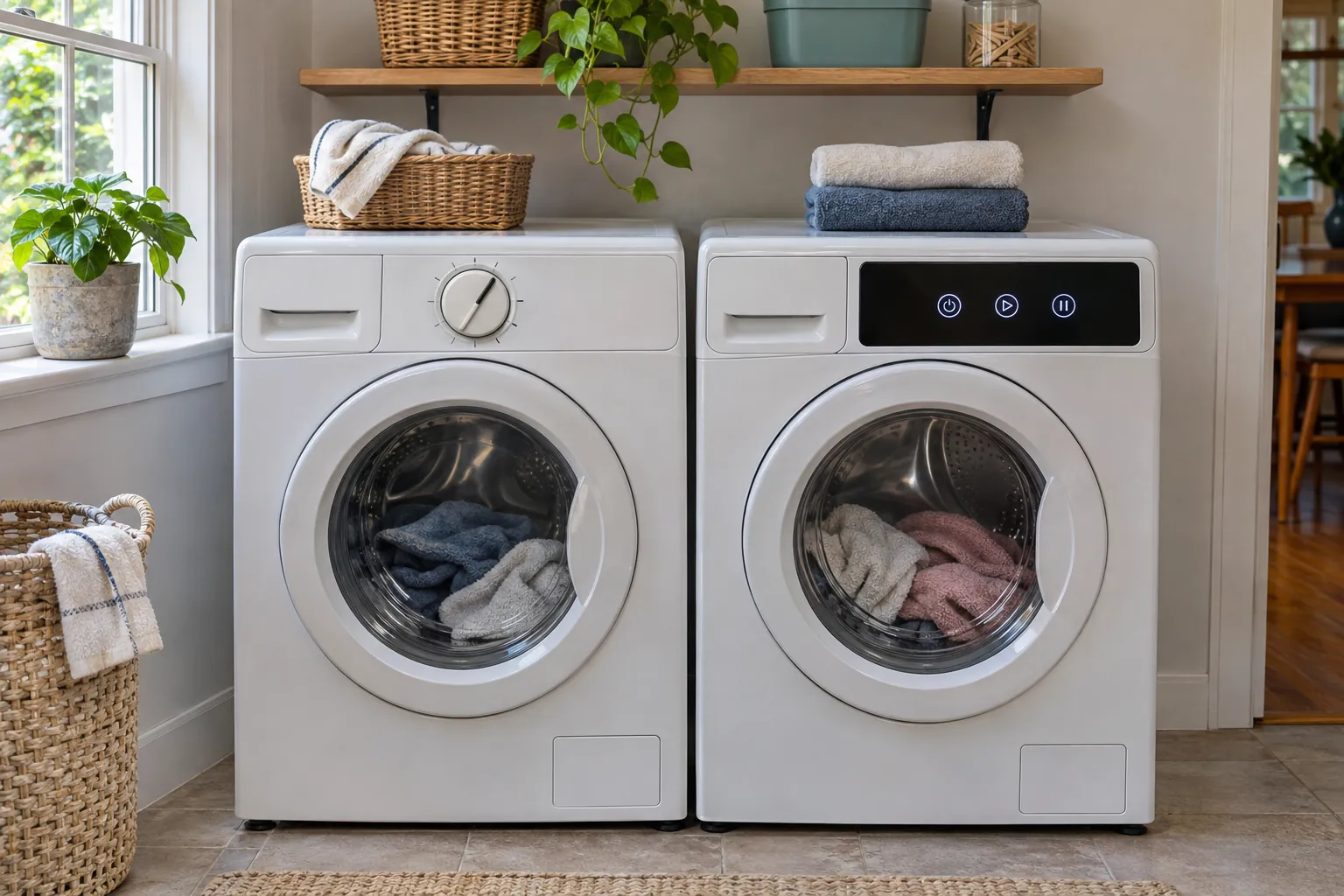
Signs of a Bad Washing Machine Timer
- The dial never moves, or stops at the same spot on every load.
- It skips past the wash or rinse, or races through the cycle.
- It sticks, grinds, or spins freely when you turn it.
- The washer runs without stopping or won't shut off at the end.
- The washer starts only if you wiggle the knob.
A digital washer shows the same trouble differently: a frozen countdown, a blank or flickering display, or a cycle that quits partway through. The first two signs can also come from water, drain, or lid problems, so rule those out before you pay for a timer.
Is It Really the Timer? First, Check the Basics
Many "timer" problems are power problems.
Step 1: Troubleshoot the Power Supply
Make sure the floor is dry and your hands are dry.
- Check the plug: Vibration can work it loose. If you can reach it without dragging the washer, push it fully in. Stop if the plug or outlet is hot, cracked, or scorched.
- Check for a wall switch: Some laundry outlets are controlled by one.
- Reset the GFCI outlet: If the outlet has "Test" and "Reset" buttons, press "Reset" once. Another GFCI outlet nearby may control it.
- Check the circuit breaker: Look for "washer" or "laundry." If it has tripped, push it fully to "off," then "on," once. Whirlpool says to call an electrician if the problem continues.
- Try another device: Plug a lamp into the outlet. If it doesn't light, the outlet or circuit is the problem, not the washer.
- Plug straight into the wall: Whirlpool says not to use an extension cord.
If power is back, run a short cycle. If the washer has power but the cycle still won't advance, keep going.
Step 2: Identify Your Timer Type: Mechanical vs. Electronic
- Mechanical timers: These are common on older or basic top-load models. A large dial clicks or whirs as it moves through the cycle.
- Electronic controls: These are on most newer washers. A display or lights and buttons replace the clicking dial. The "timer" is part of the control that runs the whole machine.
How to Fix a Mechanical Washing Machine Timer
Unplug the washer first. The checks below are all outside the machine.
Check the Timer Knob Movement
With the machine unplugged, turn the knob slowly clockwise through one full turn. Turning some timers backward can break them.
- The knob spins freely and nothing clicks: The plastic knob may be cracked. Pull it straight off and look at the inside. A cracked knob is an easy replacement if you order it by model number.
- Smooth, steady clicks: The dial is moving. Check the water and drain below.
- It sticks, grinds, or won't move: The timer is jammed or broken. Don't force it. A technician will replace the whole timer.
Wait Out a Normal Pause
A dial that sits still for a few minutes is not always stuck. GE says its top loaders can pause for up to three minutes between parts of the cycle, and warns not to push the dial ahead after agitation, because you may skip the part that pumps the water out. Time it before you decide it has failed.
If a power cut or an open lid interrupted the load, GE's reset for a dial model is to unplug the washer for two minutes, turn the knob around to any position other than the final spin, and restore power.
Rule Out Water and Drain Problems
On many washers, the cycle does not move on until the tub has filled or emptied. A washer waiting for water looks exactly like a stuck timer.
- Check the taps: Make sure both the hot and cold taps behind the washer are fully open and the hoses aren't kinked.
- Listen at the start: No sound of water, or only a trickle, points to the supply. See a washer that won't fill.
- Look for standing water: A tub that stays full points to the drain. See a washer that won't drain.
- Check the lid: Close it firmly and clear anything near the latch. Some washers won't move on with the lid open.
Plug the washer back in and run a short cycle. If it fills and drains normally but the dial never advances, the timer or its wiring has failed.
How to Fix an Electronic Washing Machine Timer
On a washer with a display, start with the lock and a reset. The time shown is an estimate on many models. It can pause, jump, or add minutes while the washer senses the load.
Whirlpool lists three common reasons for a countdown that stops moving: the washer is trying to balance a bulky item before the final spin, it is heating water for a sanitize or steam cycle, or it is adding water to clear too many suds. Rearrange the load, measure HE detergent carefully, and try a plain cold cycle.
Perform a Hard Reset
- Check the Control Lock: A padlock or lock light means the buttons are disabled. On one Whirlpool line you hold the Control Lock button for 3 seconds.
- Unplug the machine: If it has no plug, turn off its breaker.
- Wait 5 minutes: That is Whirlpool's reset time.
- Plug it back in and wait for the lid or door to unlock. GE says a top loader that was spinning can take up to 3 minutes to stop and unlock. Don't force it.
- Try a test cycle: Close the door firmly and start a rinse or spin.
If the cycle finishes, the reset worked. If it stops at the same point again, don't keep resetting it.
Read the Error Code
If the washer shows a code, write it down and look it up in your manual. Many codes point to a fill, drain, door, or balance problem you can clear without touching the control.
No code, a blank or flickering display, or buttons that still do nothing after one reset point to the control board or its wiring. Leave the board alone. Replacing one means opening the machine and setting it up for your model.

Know When to Call an Appliance Repair Technician
Call an appliance technician if:
- The dial is jammed or grinds.
- The washer fills and drains but never advances.
- A digital control still fails after one reset.
- An error code points to the control or motor.
Call an electrician if the breaker trips again, the outlet is dead, or the outlet or plug is hot or scorched. GE's test is to unplug the appliance and reset the breaker. If it trips again with the washer unplugged, the fault is usually in the house wiring.
The technician unplugs the washer, opens the console, and checks the wiring and contacts, then tests the timer or board along with the lid lock and water-level switch that feed it. A timer is replaced as one sealed part, matched to your model number. If the maker no longer sells it, ask about a rebuilt one. Write down the model number, where the cycle stops, and any code before the visit. If you rent, report it to the owner instead of booking a repair yourself.
Ask what the diagnosis costs, whether it comes off the repair, and whether the timer or board is still available for your model. On an older washer, compare the full repair price with a replacement before you approve it. Thumbtack puts the national average for washing machine repair at $128 to $324, and suggests replacing the washer when an estimate runs over $500.
How to Make a Washer Timer Last
Push the dial in before you turn it, always turn it clockwise, and let each cycle finish. Keep the console dry, measure the detergent, and don't overload the tub. Unplug the washer before a bad storm or a long trip, since a power surge can damage an electronic control.